If there’s one mistake I’ve seen over and over again, it’s this: someone buys a powerful GPU, slaps it into a system with an old or underpowered CPU, and expects magic.
Then they boot up a game… and wonder why their FPS feels weird. Not terrible, just inconsistent. Stutters. Drops. Something’s off.
That’s a bottleneck.
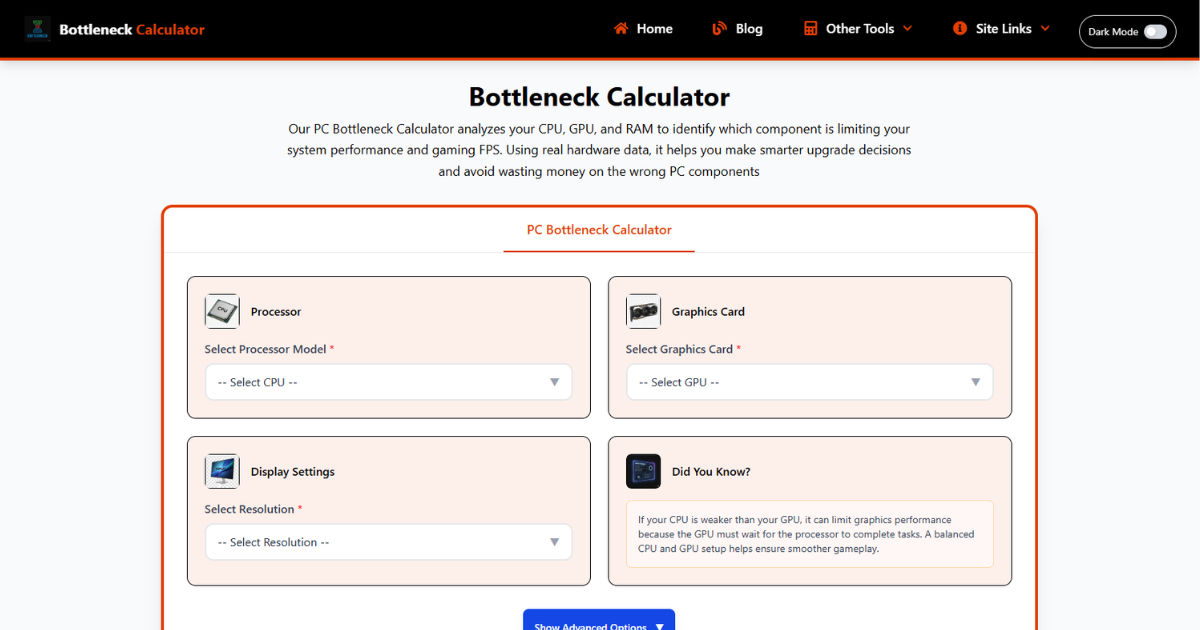
And somewhere along the way, people discovered “bottleneck calculators” those websites that spit out a percentage and tell you whether your build is “balanced.”
Sounds helpful, right?
Well… sometimes it is. Most of the time, it’s misunderstood.
In this guide, I’m going to break this down the way I’d explain it to someone sitting next to me while we’re building a PC using a cpu gpu bottleneck calculator. No fluff. No theory-only talk. Just what actually matters when you’re trying to build a system that feels smooth and performs the way you expect.
A bottleneck is simply one component holding the rest of your system back.
That’s it. No complicated definition.
In real-world terms, it’s like having a sports car stuck behind a slow truck on a single-lane road. The car can go faster, but it doesn’t get the chance.
Same thing happens in PCs.
On paper, that GPU is strong. But in many games especially CPU-heavy ones like Warzone, Fortnite, or large open-world titles the CPU can’t keep up.
Result?