In the previous sections, we talked about how an alert occurs. As a SOC Analyst, your main task is to detect threats to your organization. You usually do this task by analyzing the alerts created in SIEM or a different environment.
The alerts that occur do not always indicate an actual incident. Sometimes you will encounter false positive alerts. In fact, you will spend most of your time dealing with the false positives, so you need to be in constant communication with the team that creates the SIEM rules and give them feedback all the time. As a SOC Analyst, you need to dig into the details to understand whether an alert is a false positive. There is no standard analysis method as there may be different types of alerts (web, malware, endpoint, etc), and each type has its own specific details. Therefore, it is important to follow the playbooks in the incident management systems.
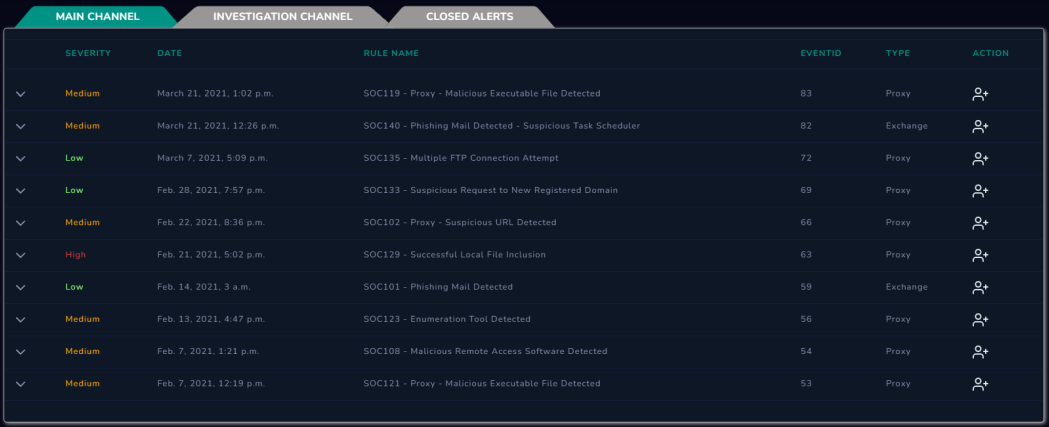
Let's give an example over LetsDefend for better understanding. As seen in the image below, there are many alerts on the "Monitoring" page. As analysts, we must decide and start by choosing an alert.
Although it doesn't matter which alert you start within the simulation environment, in real life you need to prioritize the alerts with high severity values.
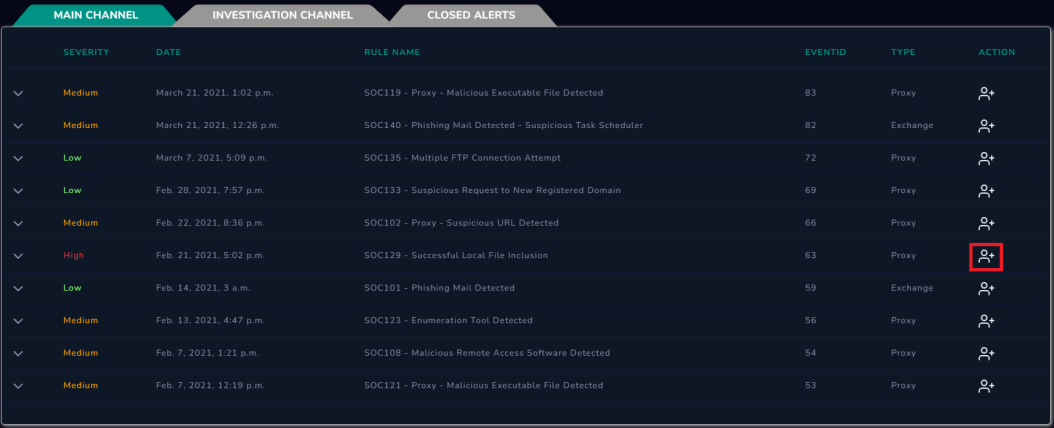
You can start working on the alert you have chosen by clicking the "Take Ownership" button. The logic of the working standard is that there are 10 active alerts and you are working on the alert with EventID number 63. Since other team members know that you are working on this alert, they will choose one of the remaining 9 alerts and continue working. Thus, teamwork is ensured to avoid duplicate work.
P.S.: You work on LetsDefend individually, not as a member of a team.
After taking ownership of the alert, you will see that the alert has been forwarded to the "Investigation Channel". This channel has alerts that are actively being worked on. Click on the alert for details. Our goal is to determine if this alert actually contains a harmful situation. In other words, we need to determine whether it is a false positive or true positive. For this, we can create a record on "Case Management/Incident Management" by clicking the "Create Case" button and then following the playbook steps.
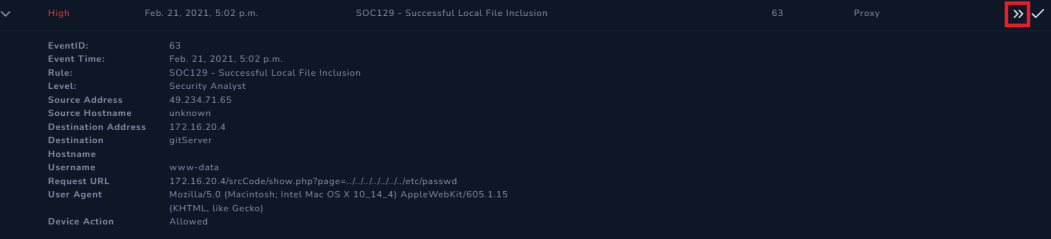
Playbook offers you the steps to follow. After closing the alert, it helps you to check your analysis results through some questions.
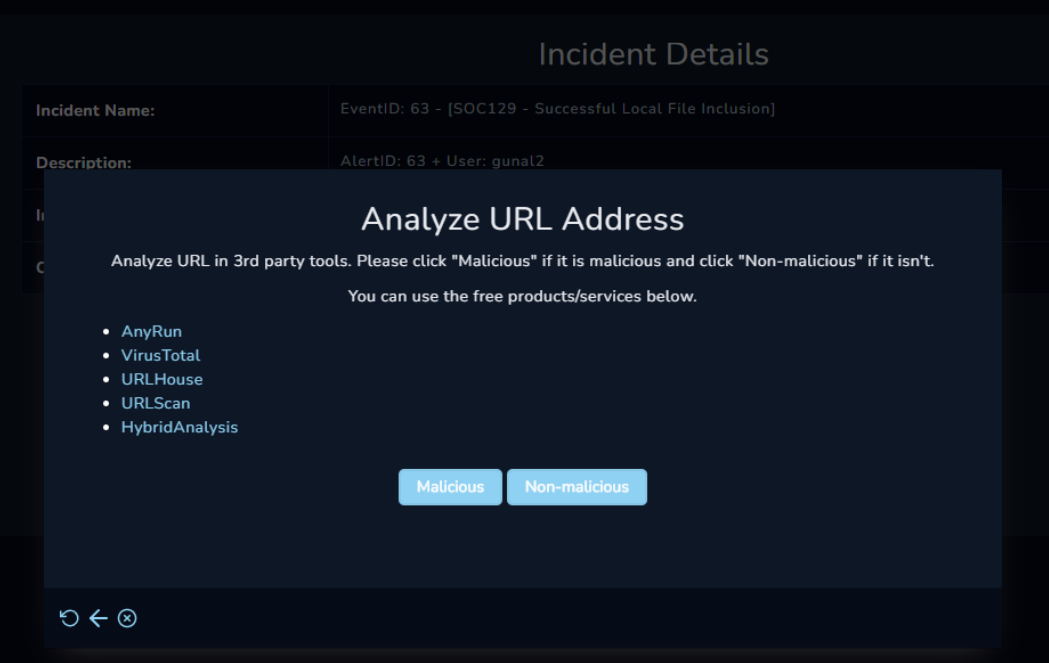
After completing the Playbook steps, you will be redirected to the Monitoring page again. Now that you are done with the analysis, you now need to make a final decision. Is this alert a false positive or a true positive?
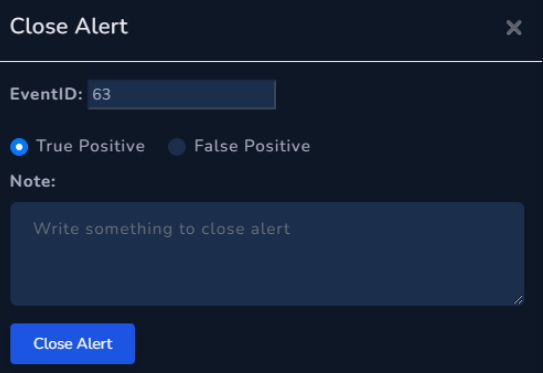
After making the necessary selections and explanations, you can close the alert and view your analysis results.
P.S.: In real life, you may not be able to verify your analysis results all the time. Sometimes you can work with a senior analyst and get help by explaining the steps you have done, but this is not a sustainable method. Therefore, it is an opportunity to examine the analysis results of the alerts you have closed in LetsDefend and to learn new methods.
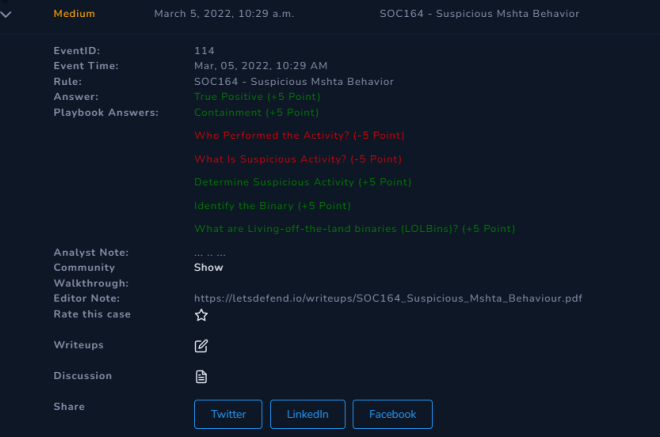
After the alert is closed, it will be directed to the "Closed Alerts" channel and you will be able to check your answers here.