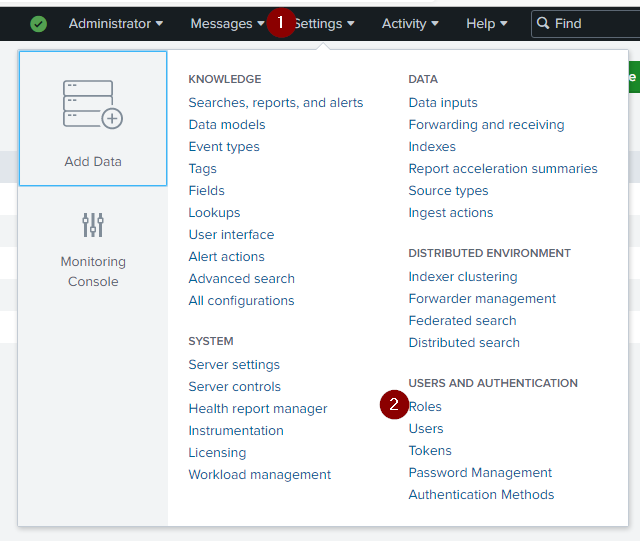
By default Splunk give you some roles, to find or create a new role, go to Settings > Roles
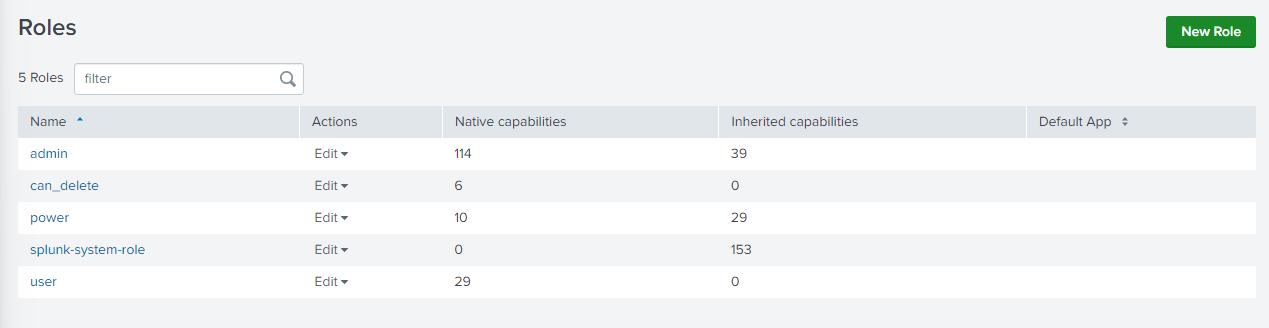
From here you can edit or add a new role. A role can give you permission on the Splunk server, Splunk request, on which events you can see or which events you can not see, etc.
When you install it, Splunk gives you only one user, which is admin. A good practice is to create another administrator account and use admin only in emergency cases. Thus, if you see an admin connection you can see there is a problem.
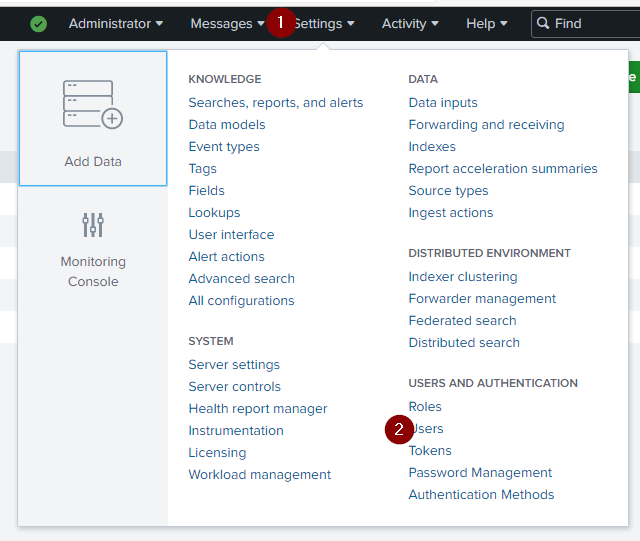
To find the users list and create a new one, go to Settings > Users.
Every user must have a role.
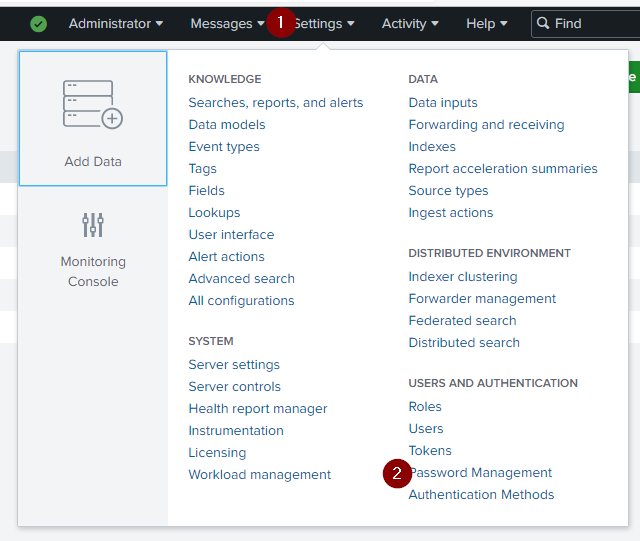
When you install Splunk, they only ask for an 8 character password, no matter the complexity. You can modify it on Settings > Password Management