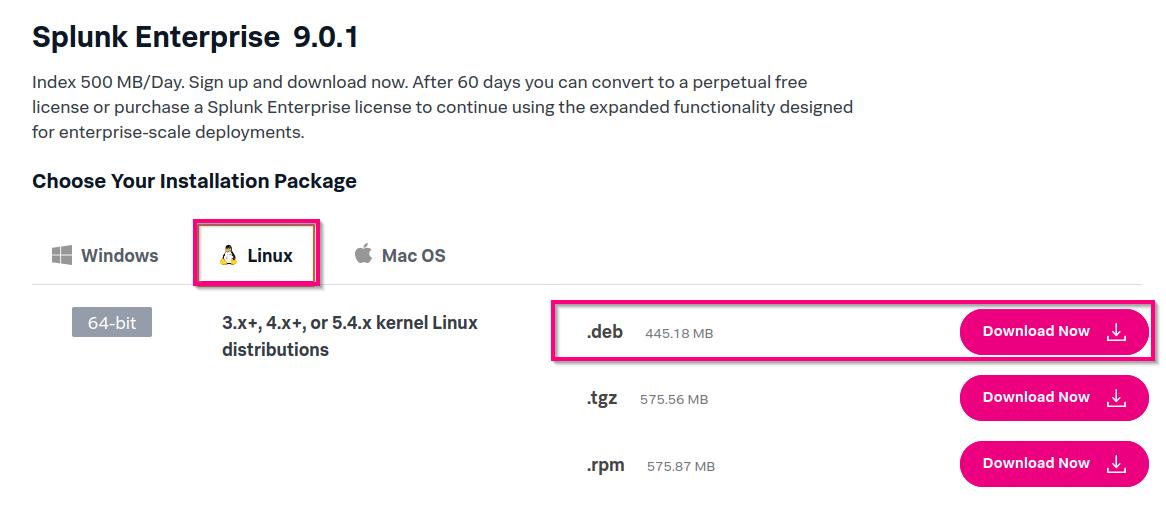
For this part, we will use an Ubuntu 22.04 Desktop computer. It will work with other distributions and a server one, but since I used the VM for other things it will be easier.
1- Go to the Splunk Site
2- Create an account
3- Download the .deb file
4- Go to your Downloads folder
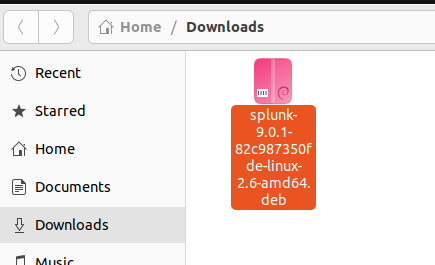
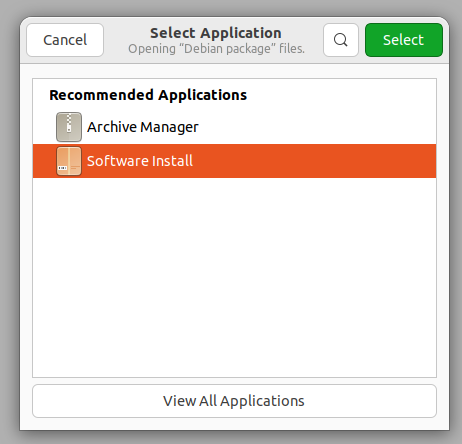
5- Right Click on it > Open with Other Applications > Software Install
Click on the "Install" button and wait.
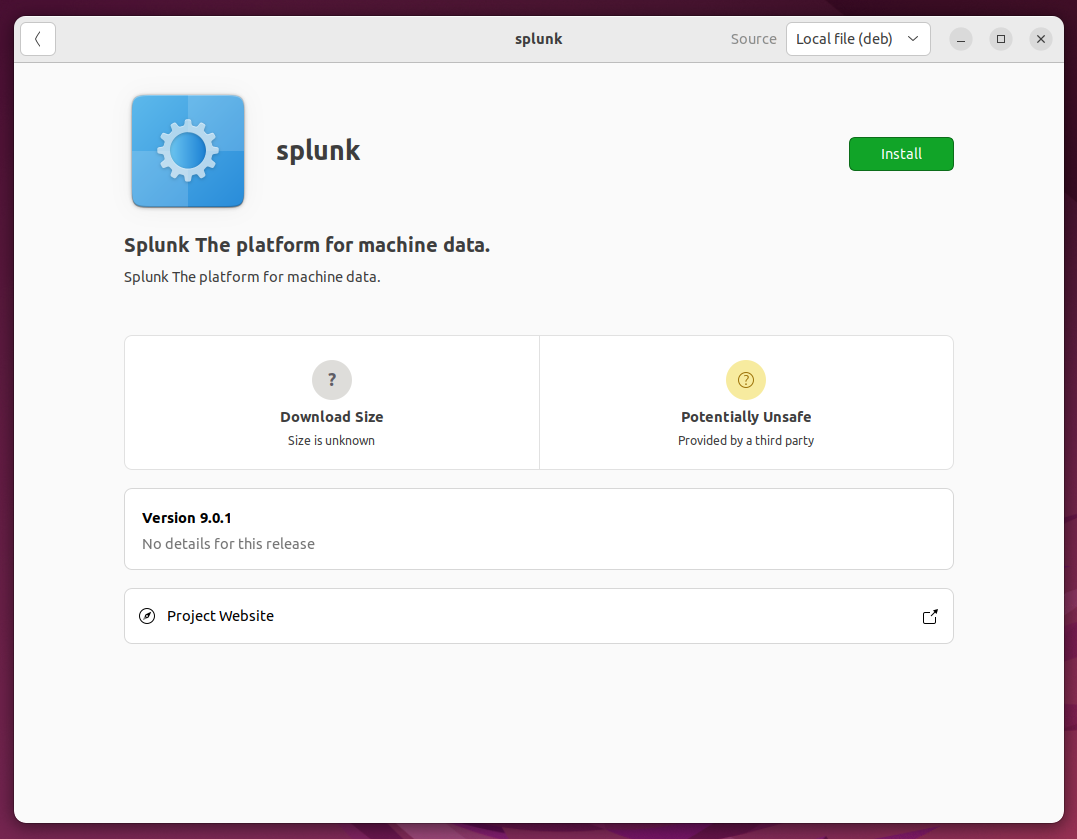
Then it will install successfully.
1-Go to the Splunk Site
2-Create an account
3-When you try to download it, check the upper right corner
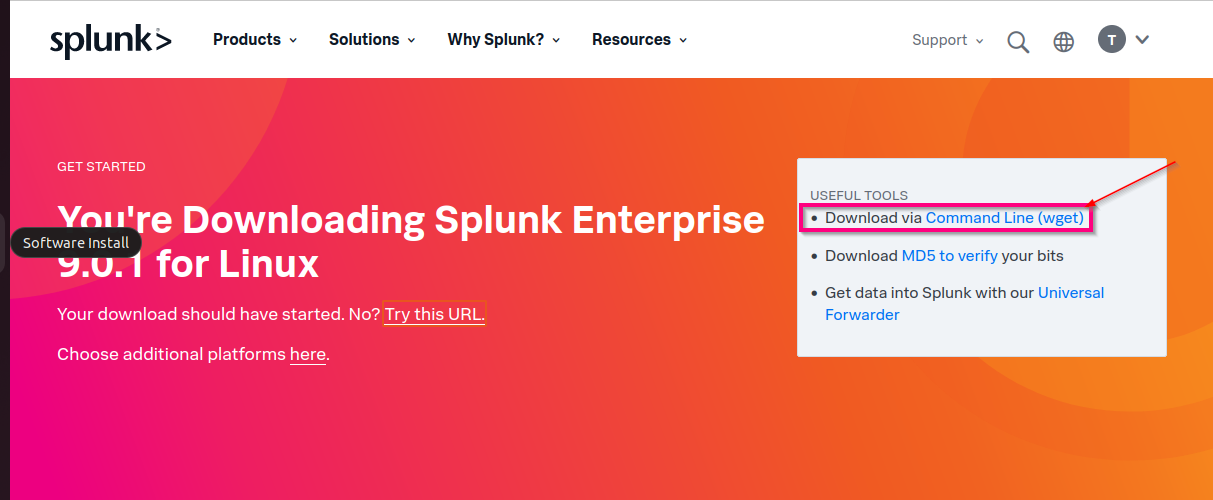
4-Click on "Command Linux Wget", it will give you the command you need to download it.
5-For this section, I will use the tgz format