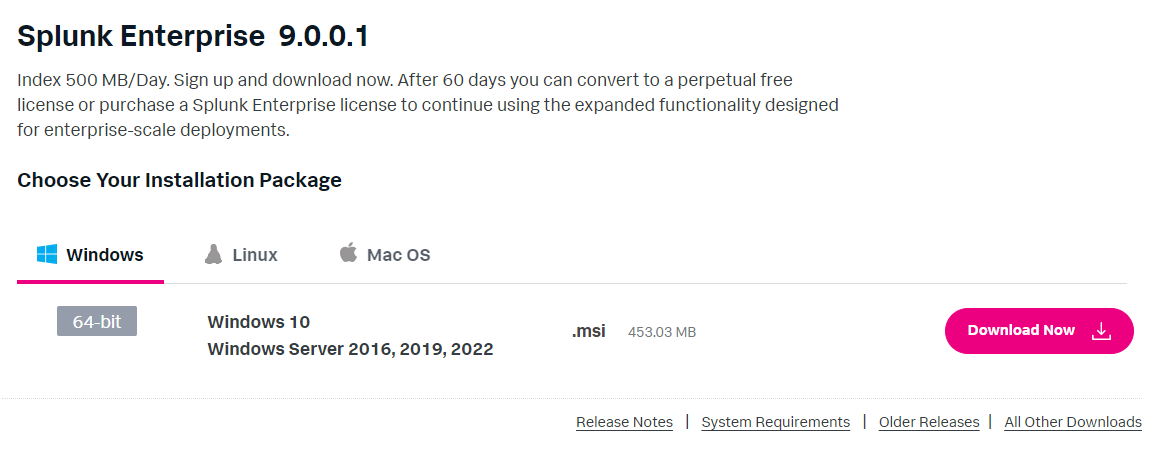
For the training, we are gonna install Splunk on a Windows Server 2022 virtual machine.
1- Go to the Splunk Site
2- Create an account
3- Download the MSI installer
4- Read the Licence Agreement I know, this seems useless and no one will do it, but YOU need to read it and understand it. It will contain all your enterprise information. You need to know what will be done with your data"
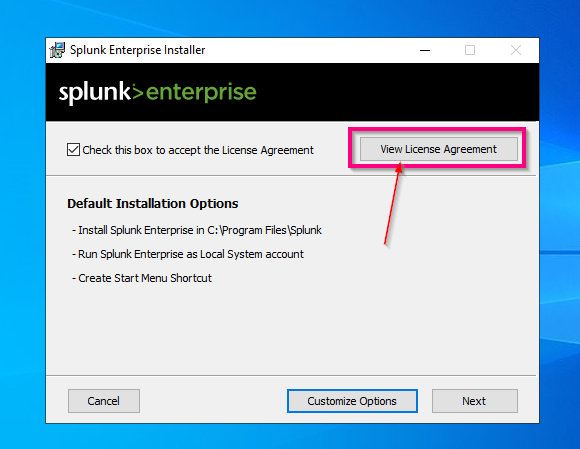
5- Accept the Licence Agreement For the training, we going to customize options, so press "Customize Options" even if we don’t change the default configurations.
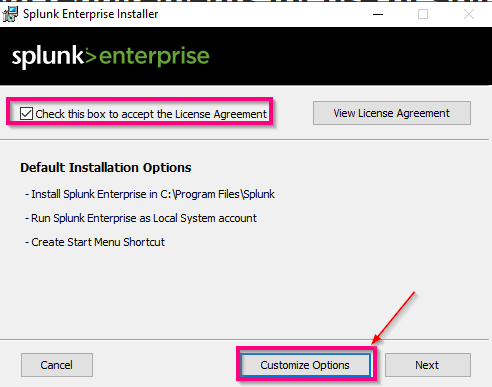
6- Select where you want to install Splunk
7- Install Splunk as a local System
8- Set the credentials
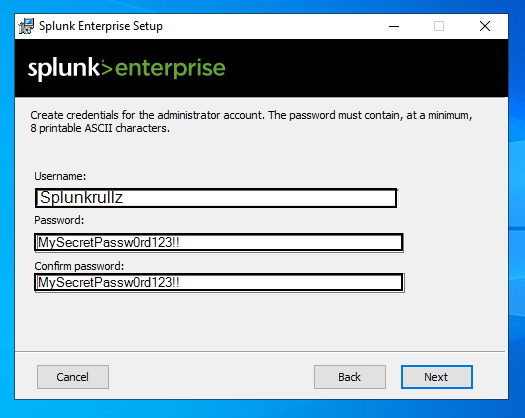
9- Launch this install and wait
10-Check the Splunk Installation
After the job is done, try to connect to: https://127.0.0.1:8000
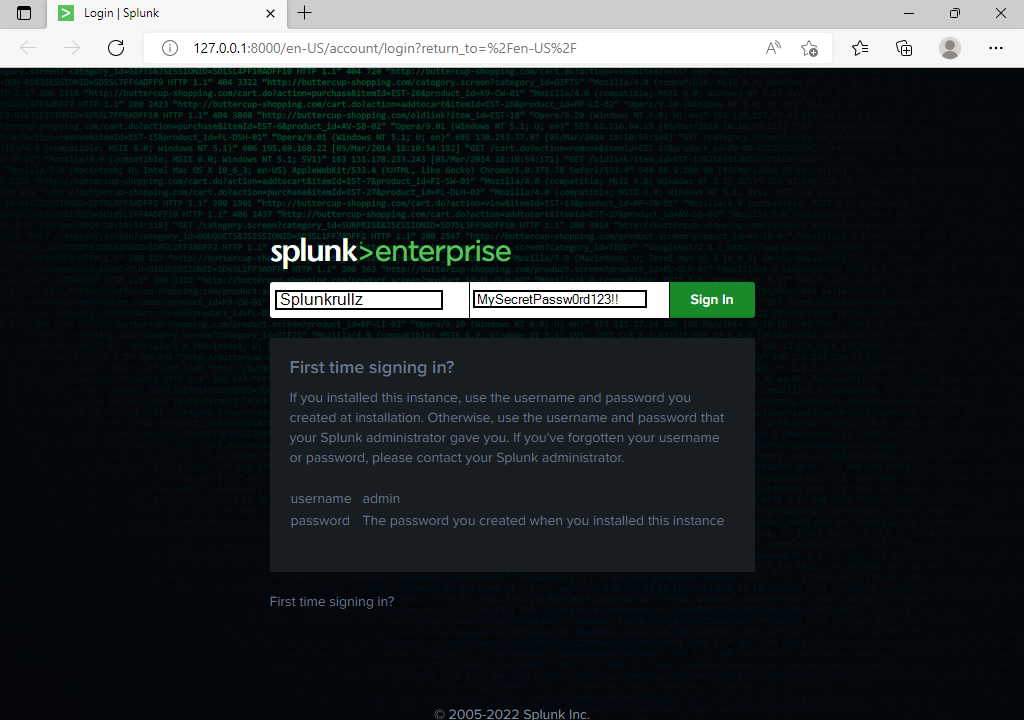
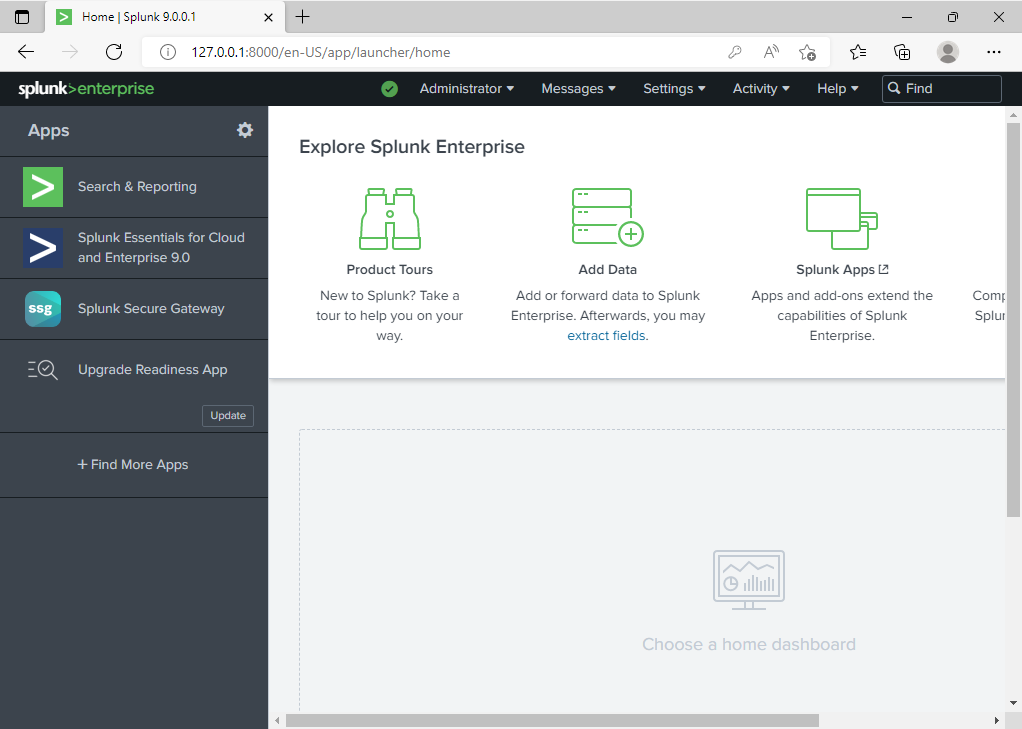
Congratulation, you have installed Splunk!