This lesson focuses on analyzing network and log data to determine whether malicious URLs were accessed.
To determine if the user has executed the file they have downloaded, this step is critical.
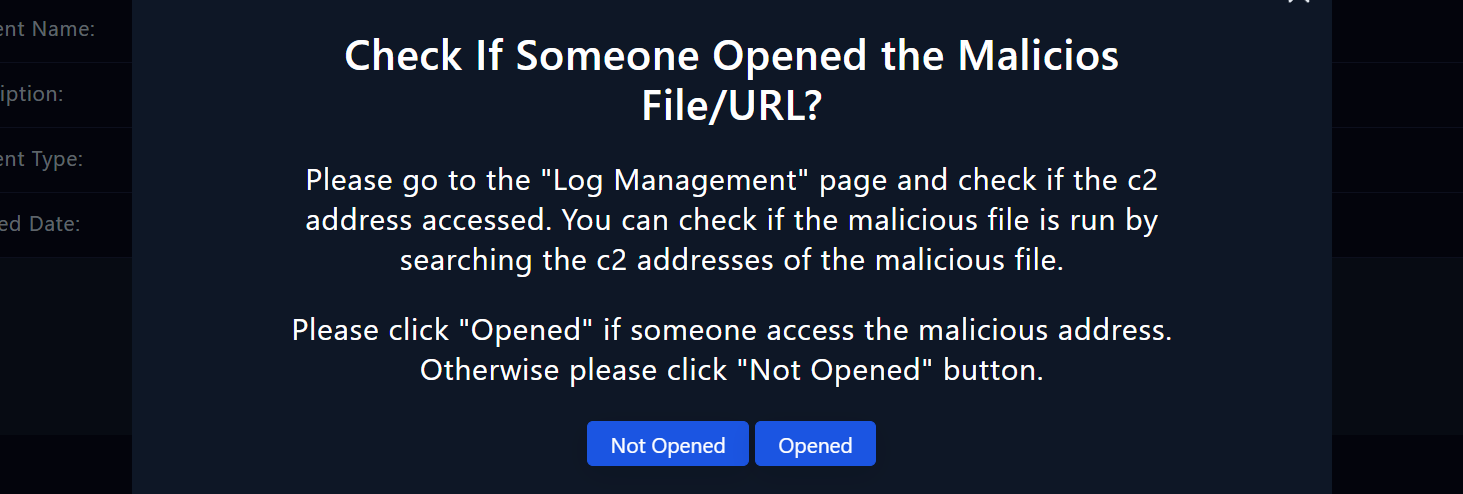
Navigating Log Management
To begin our analysis, navigate to the "Log Management" page. Here, we will review logs to identify any suspicious activity or connections to malicious IP addresses and command and control (C2) addresses.

Steps to follow:
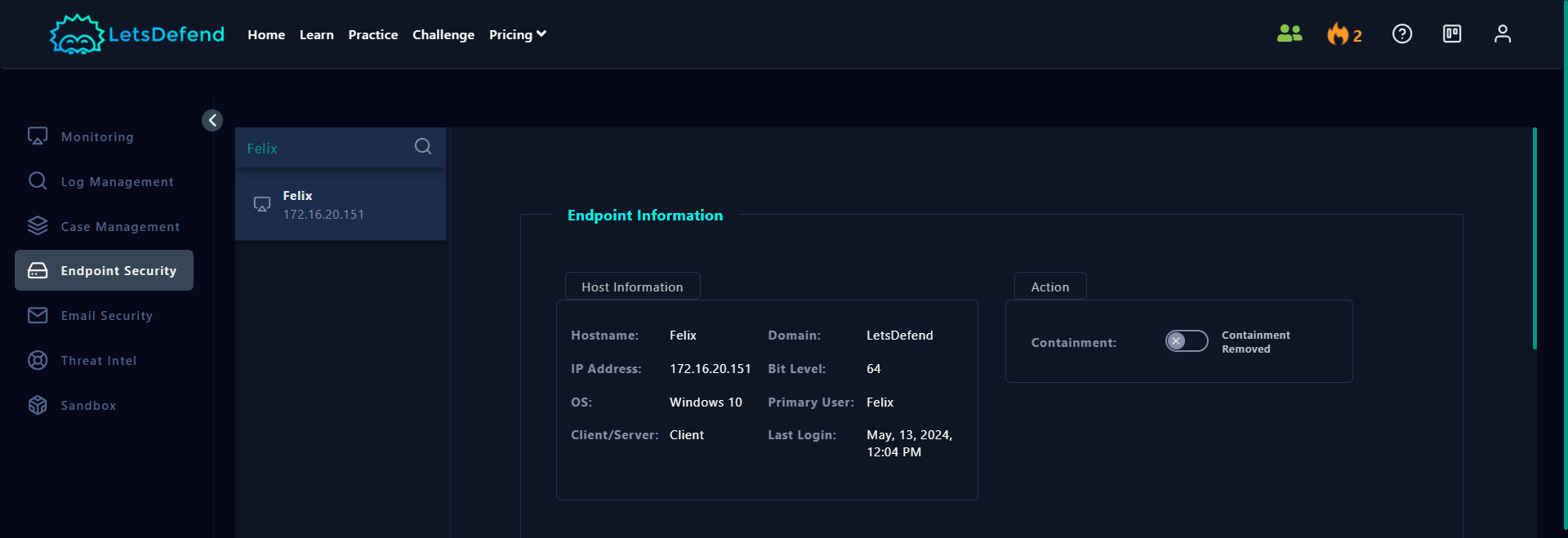
Find the IP Address of the Affected Host
- Go to the "Endpoint Security" page on the LetsDefend platform. Search for the hostname on the search bar.
- Review "Host Information" and find the IP address of the host computer.

Navigate to the Log Management Page:
- Navigate to the "Log Management" page on the LetsDefend platform. Switch to "Basic" mode by clicking the button in the top right hand corner of the screen.
Search for the IP Addresses:
- In the search bar, enter the IP address of the hostname in question. This will allow you to see all connections made from that host.
Analyze Log Entries:
- Examine the log entries displayed. Focus on the "SRC ADDRESS" and "DEST ADDRESS" columns to identify any suspicious connections.
- Review network actions to identify any unusual outbound connections or data transfers within the alert's time frame that may suggest communication with a C2 server.
Determine Access Status: