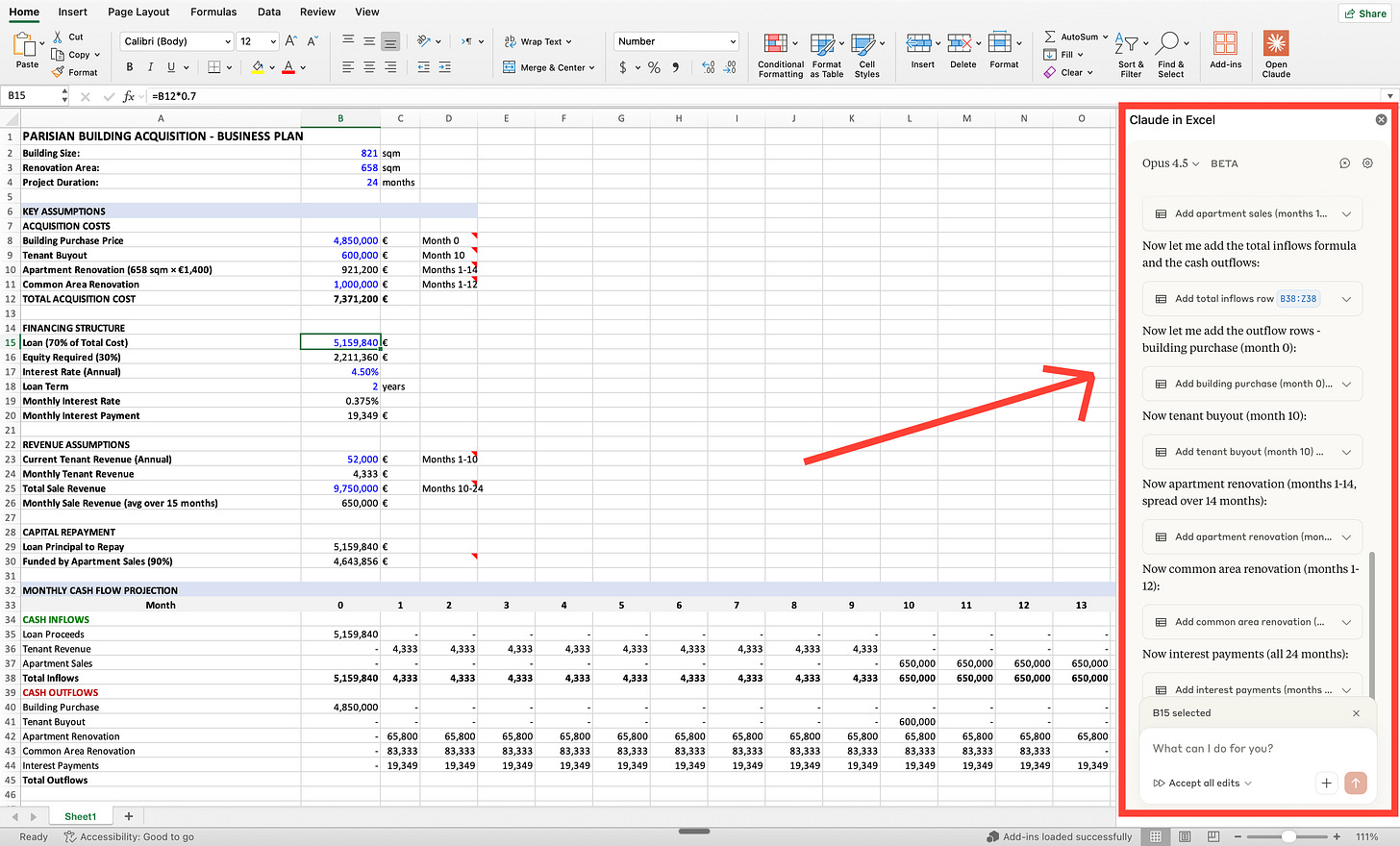
The best way to use AI inside spreadsheets.
Johnny Rodriguez - Step by Step with pictures.
Step by Step with Pictures Only
Jan 28, 2026
Here’s how you failed at using AI for spreadsheets before:
- It’s 4 pm. You must send this spreadsheet by 5 pm.
- There’s an error #REF! You don’t know where it’s coming from.
- You screenshot it. You upload it to ChatGPT.
- ChatGPT says: “Check if D14 references a deleted cell.”
- There is no D14. You wasted 5 minutes.
- Now you upload your Excel file to ChatGPT.
- But ChatGPT can’t actually read Excel files.
- Because it flattens everything into text. Formulas & structure disappear.
- So you fix your spreadsheet manually. Again.
- “AI can’t do Excel anyway”.
Well, no.
AI couldn’t do Excel. Until last Saturday.
The gap was never intelligence. Copilot (Microsoft’s own AI) just failed at building the right AI for Excel, inside Excel. So Claude did it first.
Claude Excel is the revolution everyone using spreadsheets was waiting for: