This workflow uses Higgsfield for image/video generation and Motion Control to transfer the movement from your real video onto the new character. Higgsfield’s Motion Control is designed to take a reference image plus a motion reference video and apply the movements, expressions, and pacing from the video while preserving the visual identity of the new subject. Higgsfield also advertises motion control for character actions and expressions for clips up to 30 seconds.
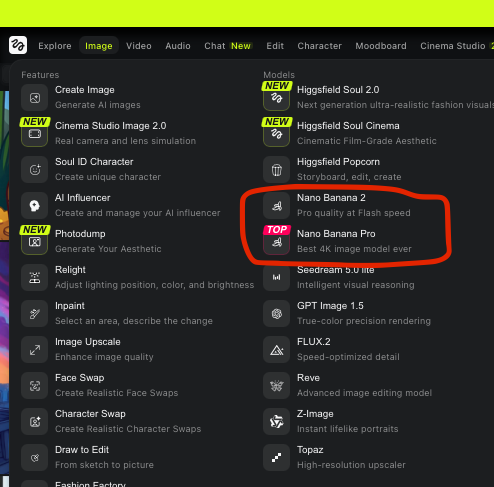
Start on Higgsfield, which offers AI image generation, AI video generation, and Motion Control tools in one platform.
Make it simple:
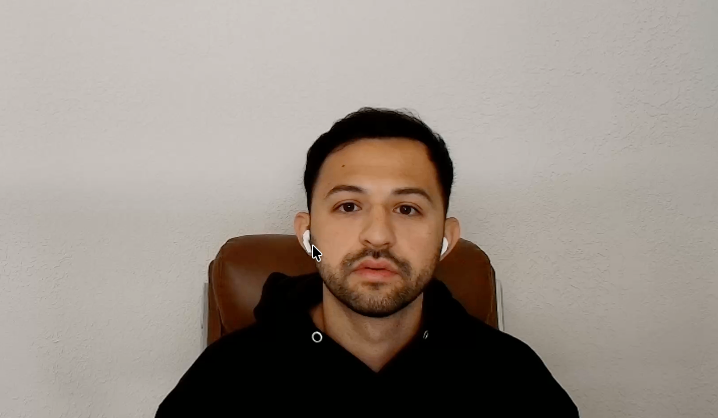
Take a screenshot of a frame in YOUR video that you want your character to be swapped as
Reference Photo Used: