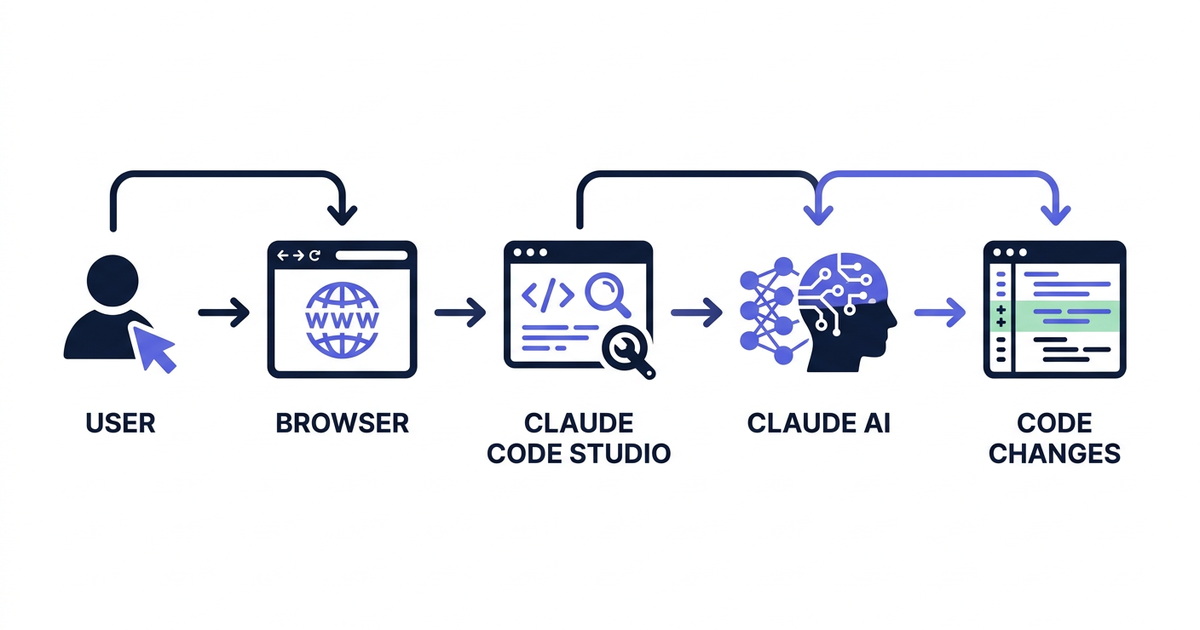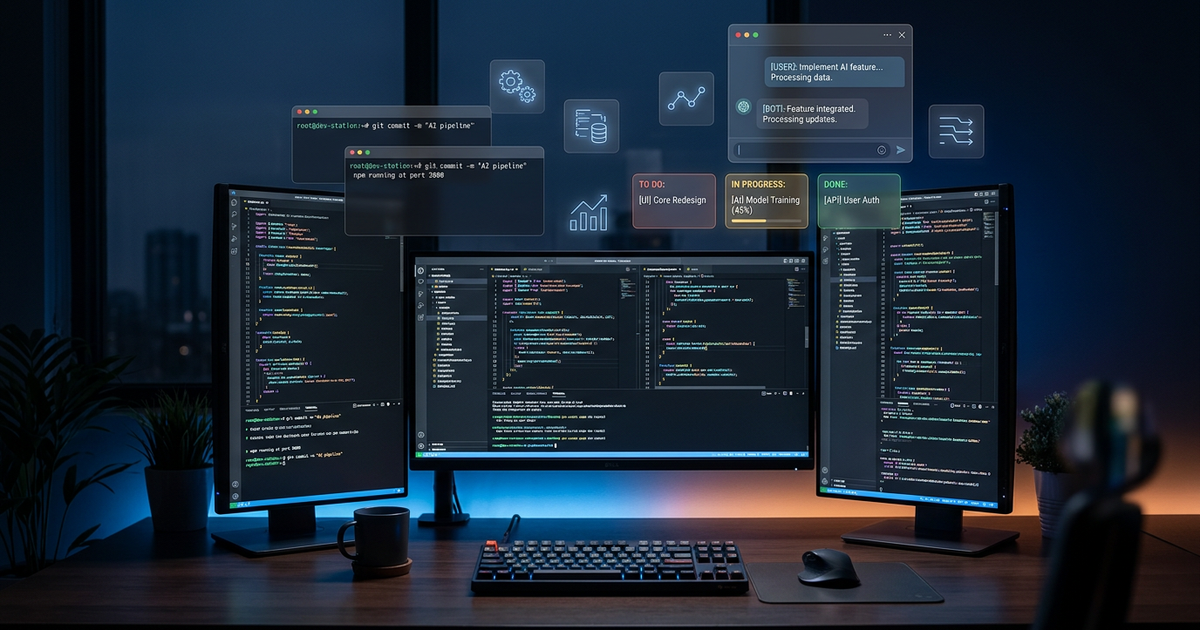
If you’ve been using Claude Code in a terminal, you already know how powerful it is. Type a prompt, watch it think, and see code appear. But as your tasks grow more complex — multiple parallel projects, long-running operations, team coordination — the terminal starts to feel limiting.
That’s exactly the problem Claude Code Studio solves. It’s an open-source web workspace that wraps Claude Code in a visual interface designed for real development workflows: Kanban boards for task management, multi-agent orchestration, project isolation, and SSH remote execution.
Let me walk you through what it offers and why it might change how you work with AI.
Press enter or click to view image in full size
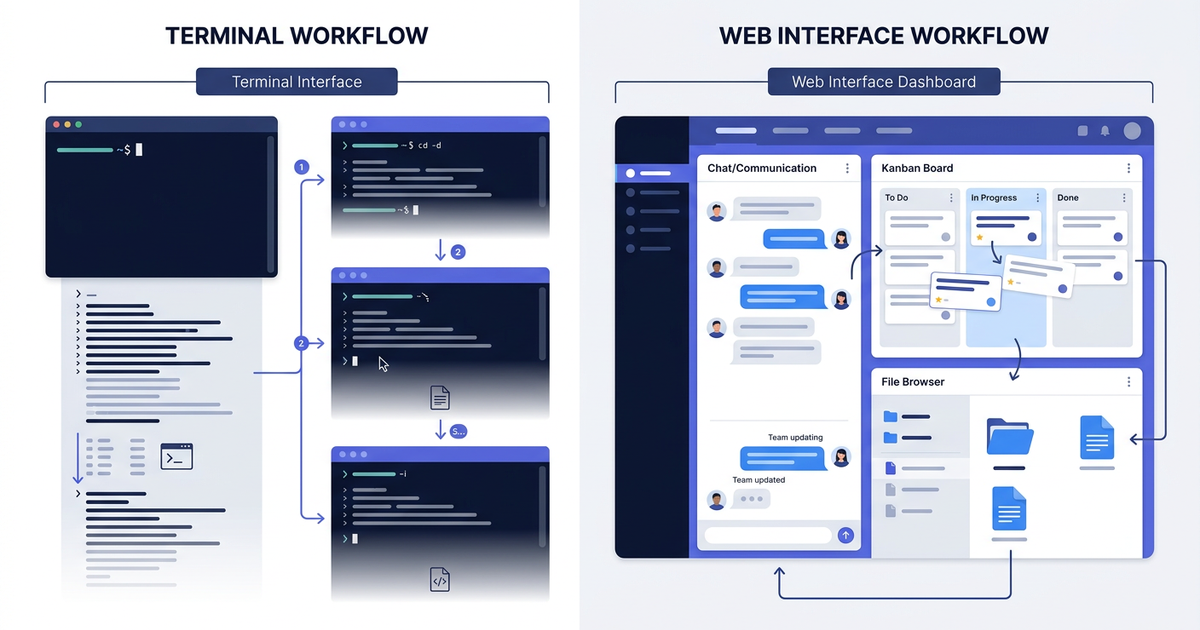
There’s nothing wrong with the terminal. It’s fast, lightweight, and gets out of your way. But when you’re working with an AI assistant day in and day out, certain friction points emerge:
Context management — Each terminal session is isolated. Switch between projects, and you lose your place. Resume tomorrow, and you’re scrolling through history to remember what Claude was doing.
Parallel tasks — Want Claude working on three things at once? Open three terminal tabs, manage three separate sessions, manually coordinate what goes where.
Task visibility — You queue up five tasks and walk away. Two hours later, which ones finished? Which ones failed? You’re reading scrollback to find out.
Press enter or click to view image in full size
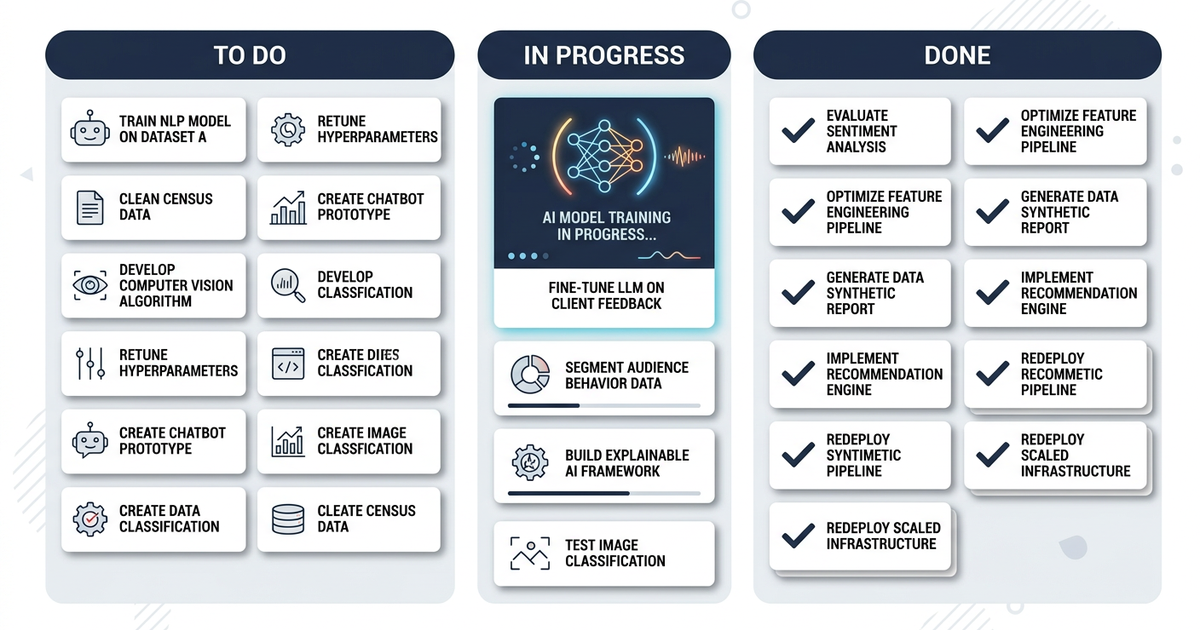
Remote work — SSH into a server, run Claude there, copy results back. Or forward ports, manage sessions, hope the connection doesn’t drop.
Screenshots and files — “Look at this error” means uploading an image somewhere, getting a URL, pasting it. It works, but it’s not seamless.
Claude Code Studio doesn’t replace the terminal — it extends it. You still get Claude’s full capabilities, but now with infrastructure designed for sustained work.
Press enter or click to view image in full size