A SOC analyst must spend a significant amount of time using EDR when performing analysis on an endpoint device. The following sections discuss why EDR is beneficial to SOC analysts and how to use it effectively.
Endpoint Detection and Response (EDR), also known as Endpoint Threat Detection and Response (ETDR), is an integrated endpoint security solution that combines continuous, real-time monitoring and collection of endpoint data with rules-based automated response and analysis capabilities. (Definition source: mcafee.com)
Some EDR solutions commonly used in the workplace: CarbonBlack, SentinelOne, and FireEye HX.
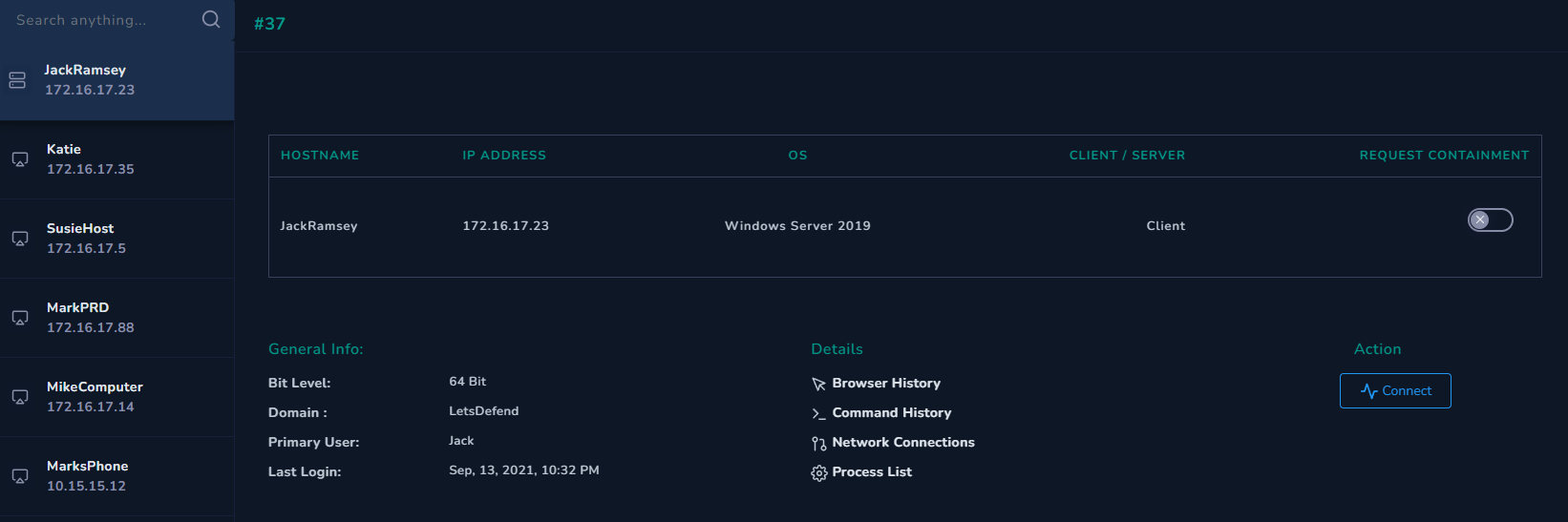
To understand what you can do with EDR as an analyst, let's take a look at "Endpoint Security" on LetsDefend.
As you can see in the image, the accessible endpoint devices are listed on the left. You can search for endpoints in the search bar, or if there is an IOC (an IP address, file hash, process name, etc.), we can perform a search across all hosts.
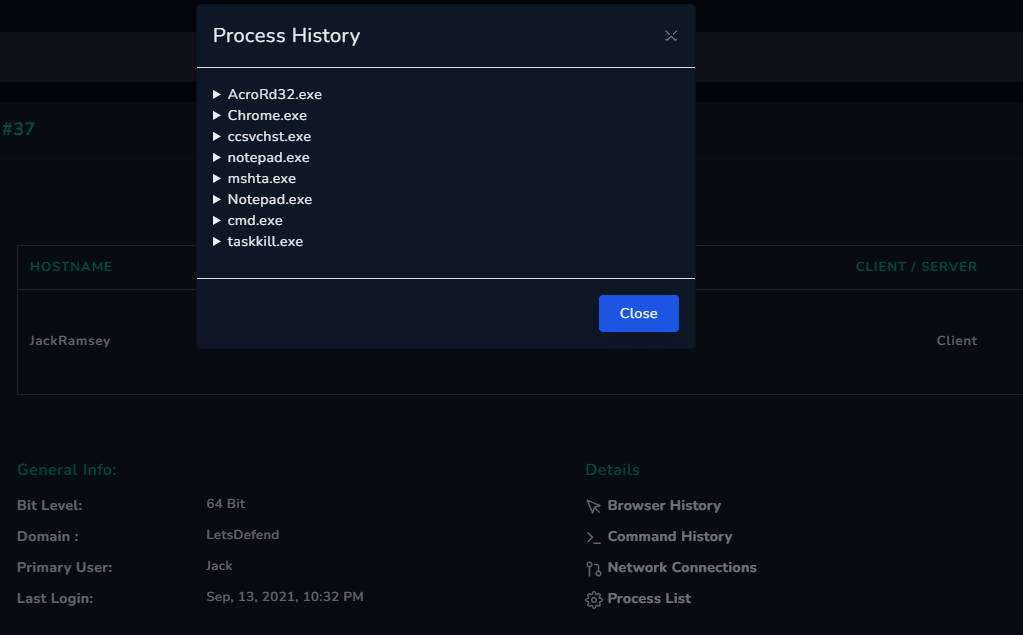
The right side displays general information about the device and shows sections such as Browser History, Network Connections, and Process List.
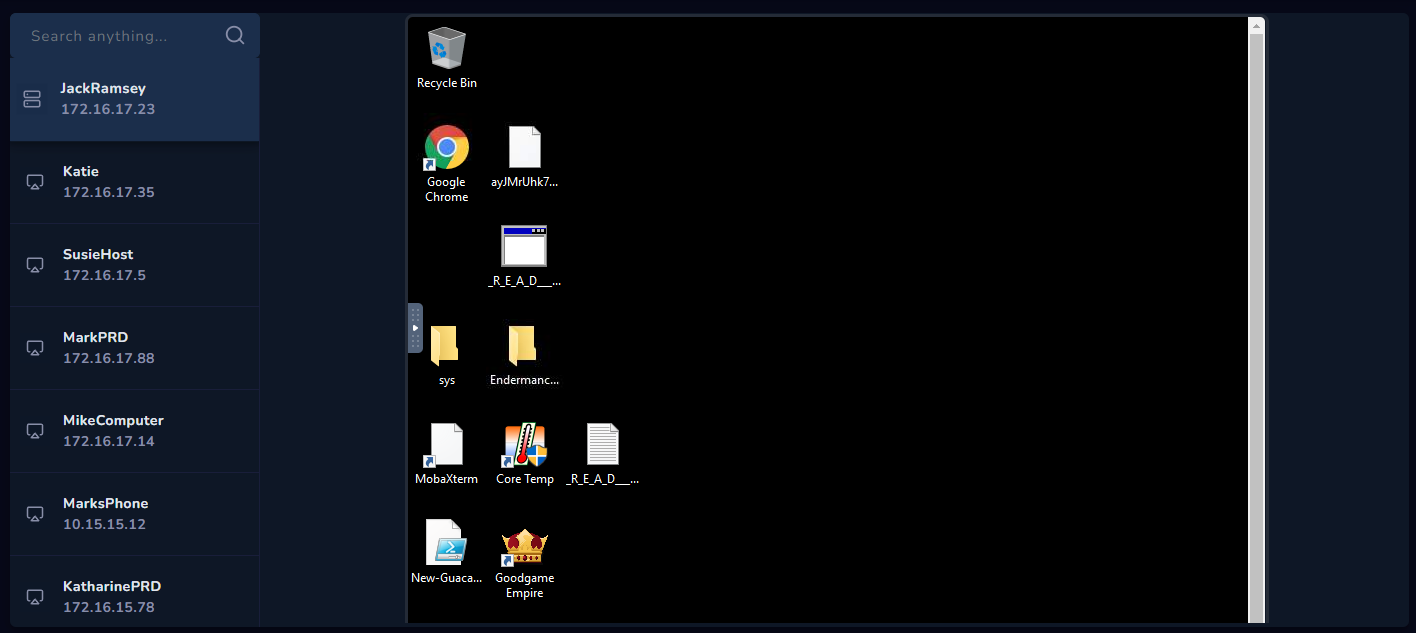
Next, you can click the Connect button and access the machine itself to continue the analysis.
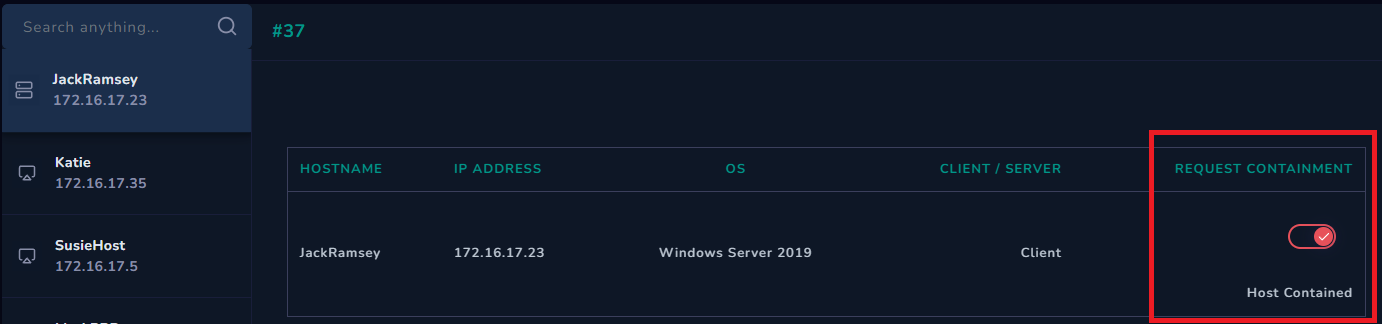
You need to isolate a hacked machine from the network. There are two important reasons for doing this: to prevent the attacker from connecting to the internal network and moving around the internal network.
Therefore, the device should be isolated from the internal and external networks until the vulnerabilities are repaired and the device is ready for use. You can ensure isolation by using the containment feature of EDR solutions. This feature allows the selected device to communicate solely with the EDR center. This means that even though the device is isolated from the network, you can continue your analysis.
If you have any type of IOC, such as a file hash, file name, etc., you can perform a search in EDR across all hosts and see if there is a match. For example, let's say you are certain that a device has been hacked and you have obtained a file with an MD5 hash of "ac596d282e2f9b1501d66fce5a451f00". You can search for this hash value in EDR and determine whether this file exists or is being executed on other devices. This will help you understand who has been affected by this attack.