SIEM alerts are notifications generated by the SIEM system based on predefined rules and correlation algorithms. These rules are typically customized to meet an organization's specific security requirements. When an event matches the defined criteria, the SIEM system triggers an alert.
In LetsDefend, alerts are prepared and continuously updated by cybersecurity experts. These alerts cover a range of threats, from the most common attacks used by adversaries to the most sophisticated zero-day exploits.
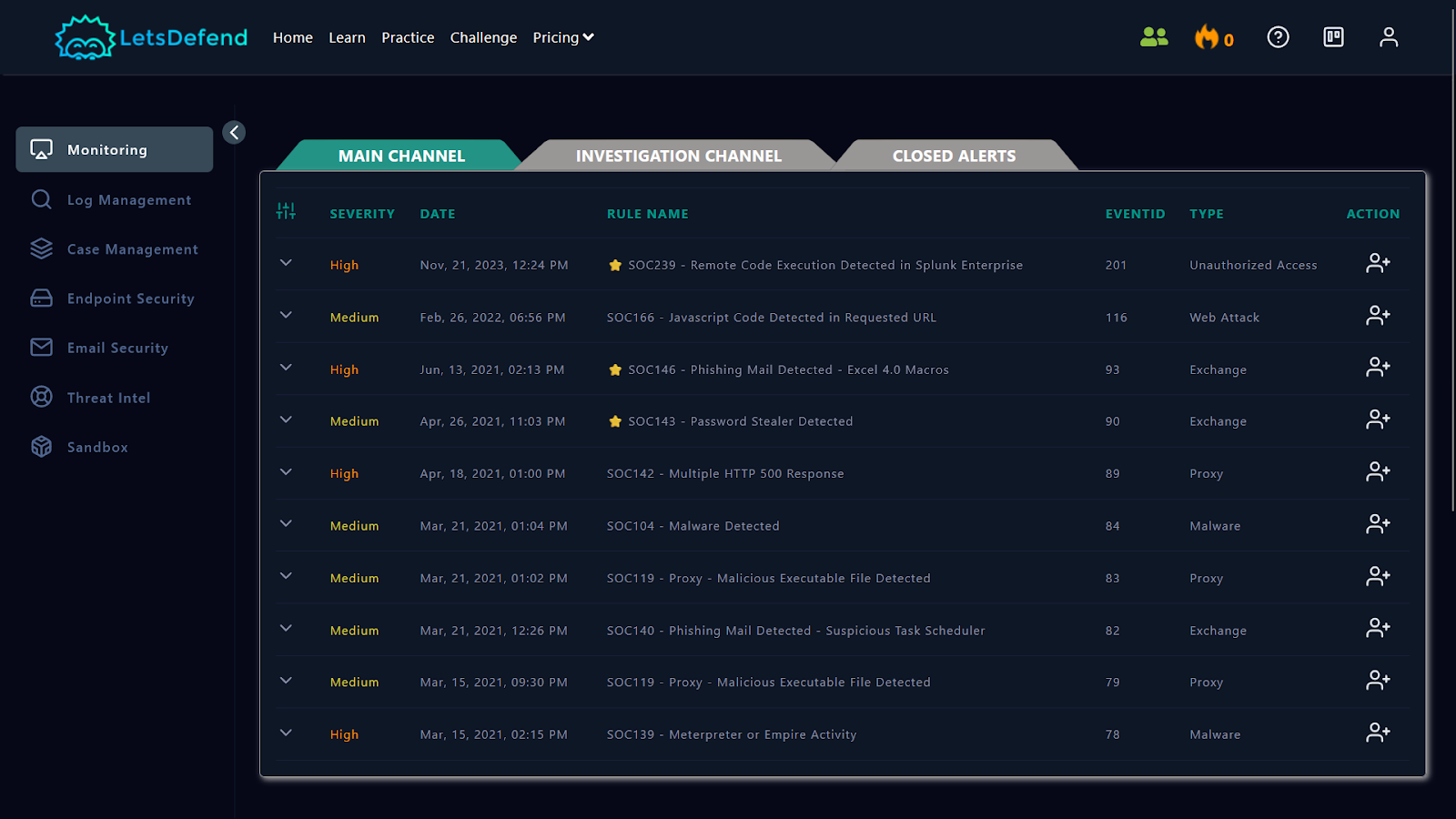
This section introduces you to the "Monitoring" page. Divided into three sections, the Monitoring page acts as a dashboard for viewing generated alerts. These sections are:
Main ChannelInvestigation ChannelClosed Alerts
The default view of the Monitoring page displays all open incidents available for ownership. Within the Main Channel, you'll find fields displaying key details about the triggered alerts, including:
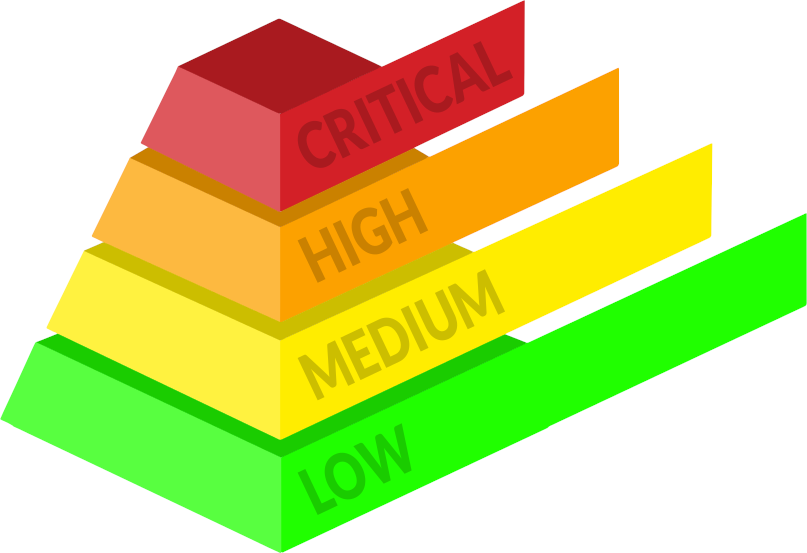
Severity : Indicates the level of severity, categorized as Low , Medium , High , or Critical .Date : Displays the date of the incident. (UTC +0 Timezone)Rule Name : Identifies the specific rule triggered by the event.EventID : Provides a unique identifier for the event.Type : Specifies the type of event or alert triggered.Action : Assigns ownership of the alert to you for further investigation and analysis.
( Image Source : https://www.secureideas.com/knowledge/how-are-security-findings-risk-ranked )