In the previous article Start Here: Product Visualization for 3D Artists, I provided an overview of the booming field of product visualization for 3D artists. This week, we’re kicking off the first deep-dive article in the series and there’s no better place to start than with the OG of digital product models: CAD designs. The ability to convert CAD models for visualization is a cornerstone of product viz workflows. In this article, we’ll explore what CAD is (with a bit of history), why it’s so crucial in product design, and how mastering CAD conversion can help you stand out as a 3D artist in the product visualization industry.
As stated, this is part of a large ongoing process that I would love your insights on. So roll up your sleeves and jump in here with me.
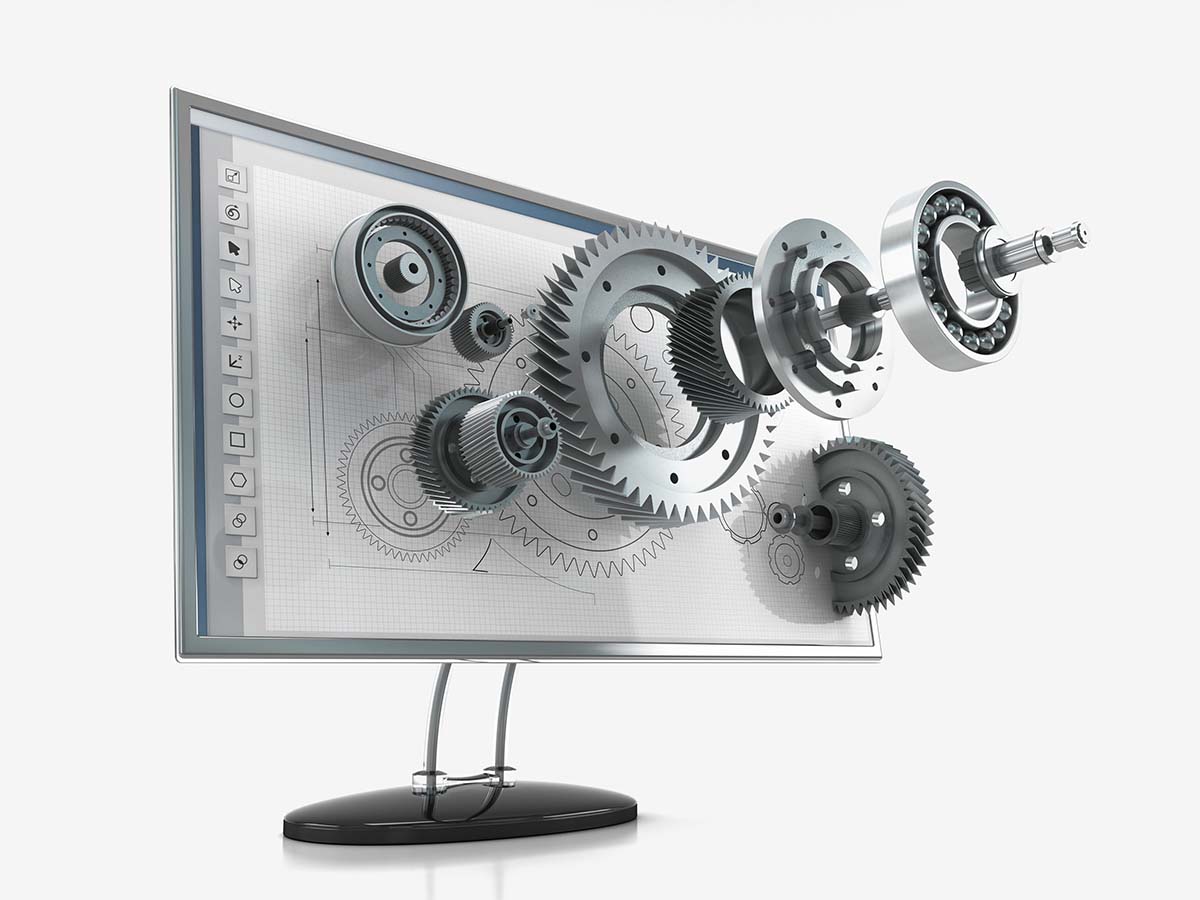
CAD stands for Computer-Aided Design. It refers to the use of computers to assist in the creation, modification, analysis, or optimization of a design. Long before fancy real-time 3D renderers and game engines, engineers were already using CAD programs to draft precise technical drawings and 3D models of products.
source; https://www.arenasolutions.com/wp-content/uploads/what-is-mechanical-cad-software.jpg
But where did it all begin?
Early CAD development dates back to the 1950s and 60s, when pioneers like Ivan Sutherland introduced fundamental concepts with his Sketchpad system in 1963. Sketchpad was a revolutionary program that allowed designers to draw directly on a screen with a light pen, establishing the groundwork for interactive graphics in design software. By the late 1960s, other computing innovations (such as the graphical user interface and the mouse, demonstrated by Douglas Engelbart) set the stage for CAD software to enter mainstream engineering and design.
The 1970s and 1980s saw CAD technology rapidly advance and spread into industry. Initially, only large organizations (notably in automotive and aerospace) adopted CAD, mainly because it offered greater precision and speed compared to traditional paper drafting. Early CAD systems were often custom in-house programs tailored to a company’s needs. But this began to change with the introduction of more general-purpose CAD software. A pivotal moment was the release of AutoCAD in 1982, which exemplified the shift from specialized, expensive systems to more accessible drafting software. From that point onward, a wide range of industries (beyond just cars and airplanes) started using CAD in their product design process. CAD software also evolved from simple 2D drafting to full 3D modeling in this era, enabling engineers to create three-dimensional representations of parts and assemblies on-screen for the first time.
Fast forward to today, and CAD tools have become integral to product design and engineering. Modern CAD programs allow the creation of detailed 3D solid models complete with exact dimensions and properties.
In short, CAD isn’t just a high-tech replacement for drafting on paper; it augments the design process by enabling analysis, virtually unlimited iteration, and highly accurate virtual prototyping. These capabilities have dramatically sped up development cycles and reduced the need for costly physical prototypes in many industries. CAD truly revolutionized product design by making it faster, more precise, and more collaborative than the age of pencils and drafting tables.
So why are we, as 3D artists, talking so much about CAD in the context of product visualization? It’s because CAD models are the source of truth for virtually every manufactured product. In product design and engineering, CAD files are the definitive digital representation of a product’s geometry. They contain every detail needed to manufacture the item…often down to each screw, wire, and tiny internal component. In other words, a CAD model isn’t just a pretty shell of the product’s exterior; it’s typically an all-encompassing digital twin of the product’s structure.
Traditionally, the primary purpose of CAD models is to communicate precise dimensional information to manufacturing. A mechanical engineer designing, say, a new smartphone or a car part will use CAD software to model that component with exact measurements and specifications. These CAD files then inform fabrication processes (like CNC machining, 3D printing, or injection molding) to actually produce the part. Because of this manufacturing focus, CAD models prioritize accuracy and completeness over visual polish. In an engineering context, it doesn’t matter how “pretty” the 3D model is. What matters is that every hole, fillet, and fitting is exactly in the right place.
For those coming from other 3D fields (like entertainment, gaming, or visual effects), it’s important to understand this fundamental difference. When you’re making models for film or games, you often optimize for visual impact and performance. You might omit unseen backfaces, use low-poly approximations, or take artistic liberties for aesthetics. Not so with CAD models. A CAD model of a product is meant to be an exact virtual replica. If the real product has an internal circuit board or a network of bolts and brackets, the CAD assembly likely includes every one of those hidden elements. All those tiny parts and details ensure that the product can be manufactured correctly and assembled in the real world.
source: https://www.cadcam.org/blog/why-3d-cad-models-are-used-in-the-design-process
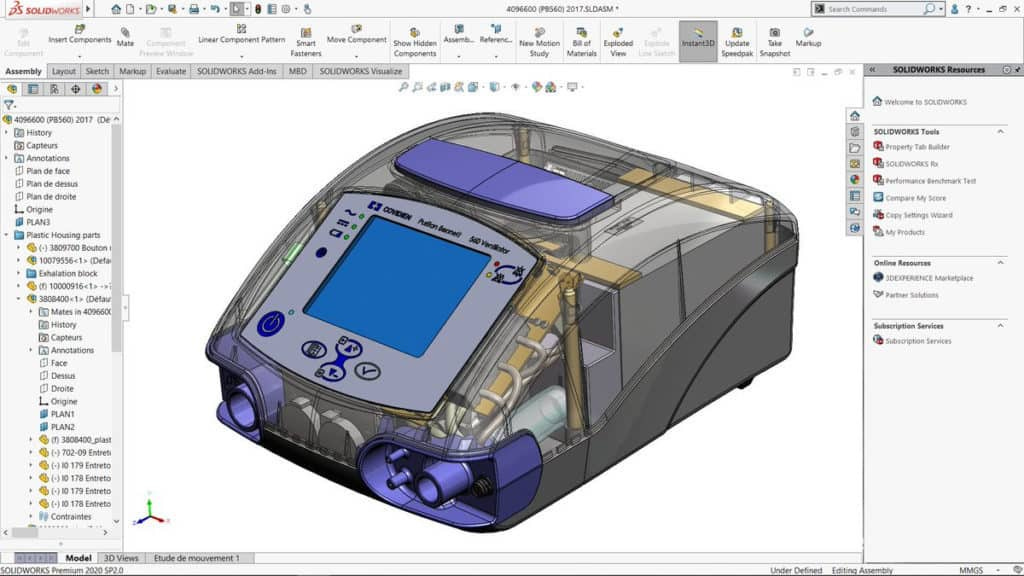
Another key difference is that CAD software operates with NURBS surfaces or mathematically defined solids, rather than the polygonal meshes we’re used to in DCC (Digital Content Creation) tools like Blender or Maya. CAD geometry is highly precise and can be infinitely smooth, whereas visualization typically uses polygons/pixels which approximate that geometry. CAD programs usually don’t concern themselves with things like UV maps for texturing, or optimal polygon counts – those concepts are mostly irrelevant in an engineering context.
Now, from a product visualization standpoint, this rich, highly accurate CAD data is both a blessing and a curse. On one hand, if a company has already designed a product in CAD, you theoretically have a ready-made 3D model to work with for creating marketing visuals, animations, and renderings of that product. No need to model it from scratch – in theory, you can take the CAD data and render beautiful images or turntables of the product. This is the ideal scenario companies dream of: one 3D asset pipeline that goes from design to manufacturing to marketing. In practice, however, it’s not so straightforward. This is where CAD conversion comes in (and where you, the 3D artist, can add a ton of value).