
Written by Ilja in Uncategorized
One day you start your VR system and you notice that tracking got worse in some areas of the playspace. You check SteamVR and see that one of the base stations is not tracking. You peek at a base station and see a blinking red light. OH NO! If you still have the base station under warranty, no need to panic, this can happen, you just contact Valve/HTC support (depending where you bought it from) and they will offer you a replacement. Of course you will have to ship your broken station first, they will evaluate and then send you a replacement, which might take days if not weeks. That is why I keep two spare base stations around.
But what if you are out of luck and the warranty has expired? Time to take matters in your own hands! First identify the issue. Unplug power from the base station, wait five seconds and plug it back. I have seen two different cases of failure: At first light is green, you can hear motors starting to spin, but a few seconds later – red light. Slow red blinking light means the laser in the base station has failed. It will require a replacement. Immediately fast red blinking light and no sound of the motor – it means that either one of the circuits is dead or the motor.
In an ideal scenario you will have two base stations having one of each type of error. That way, you can combine two broken base stations into one working one.
Identify which revision of the Base Station 2.0 you have. All 2.0 BSs have round glass in front, while 1.0 has flat glass. I have seen three different revisions of 2.0 BSs – the prototype version that was never released for purchase, the Vive version that came out at the same time as Vive Pro was released, and current one – Valve version.
Here are the pictures of the prototype base stationHere are the pictures of the prototype base station
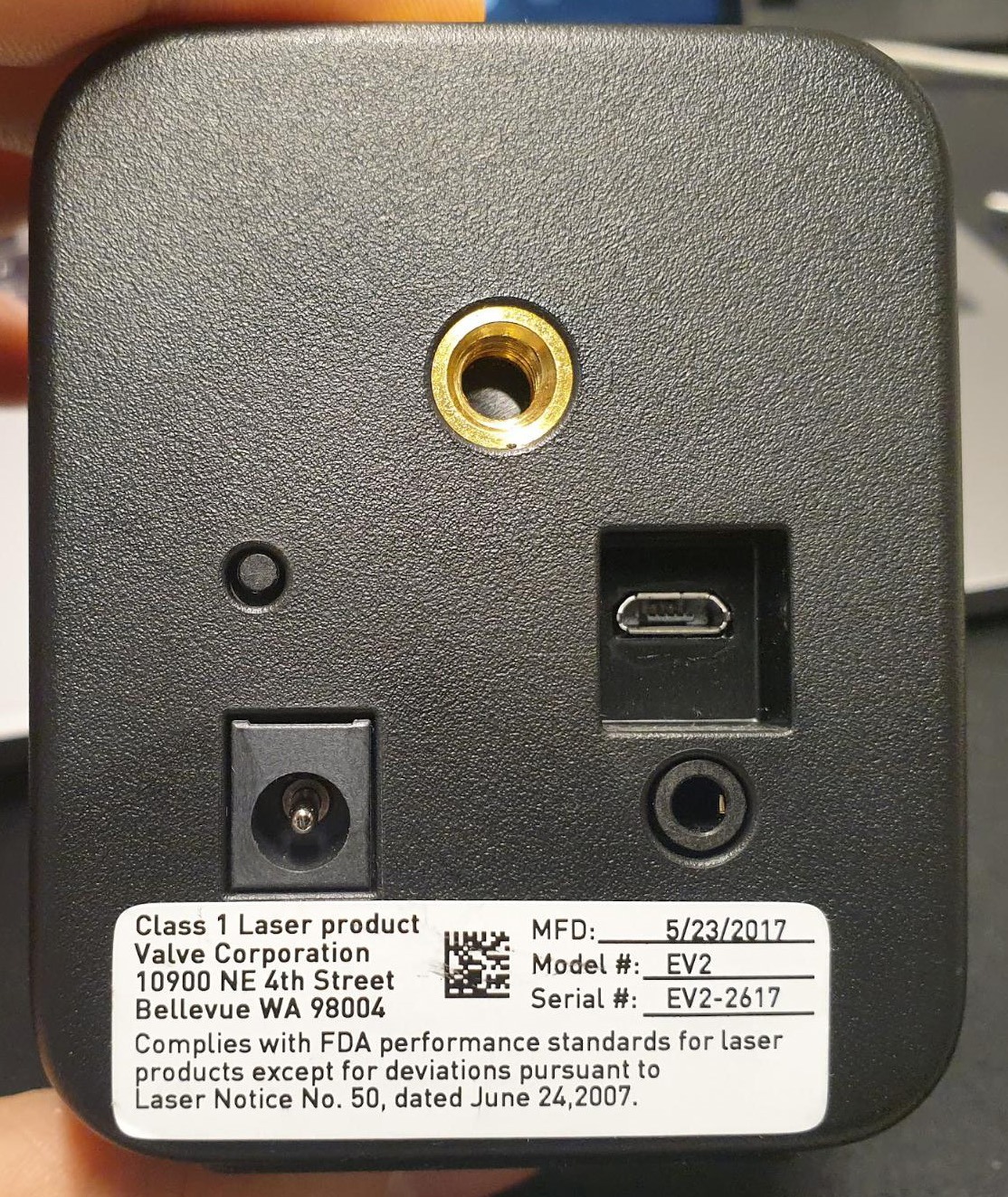
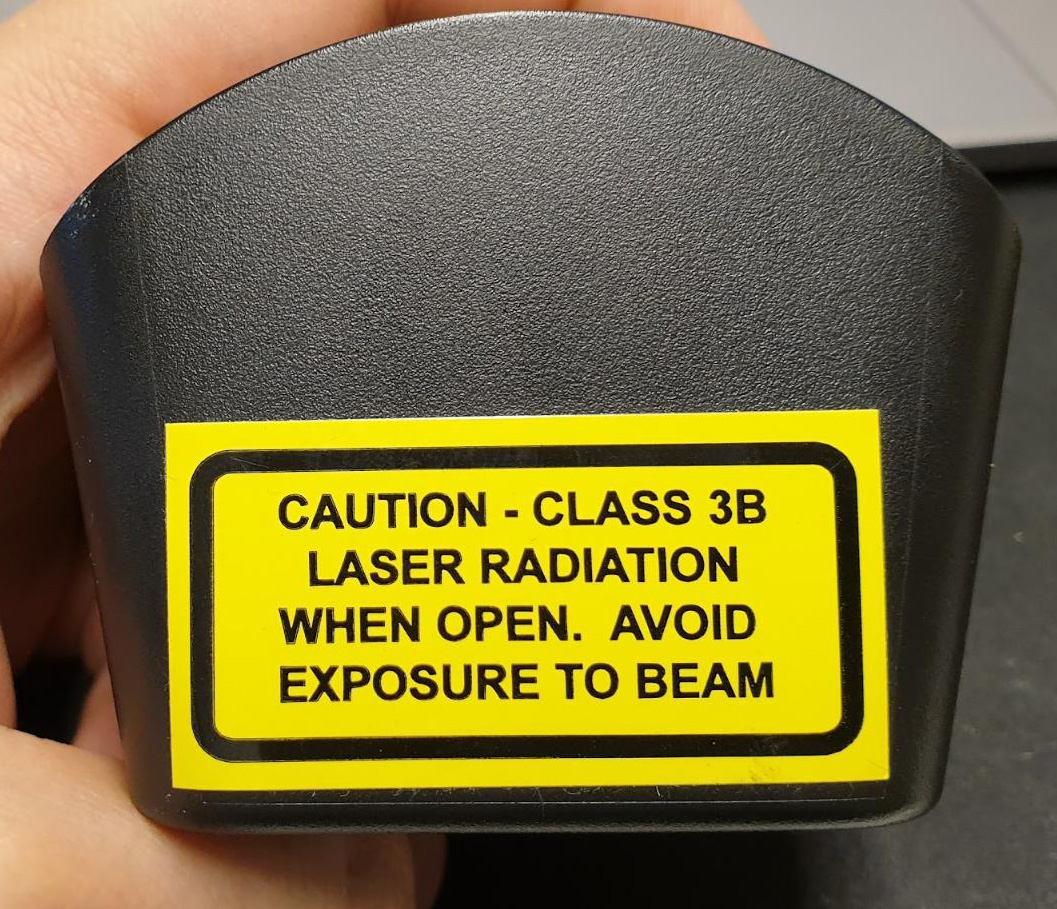
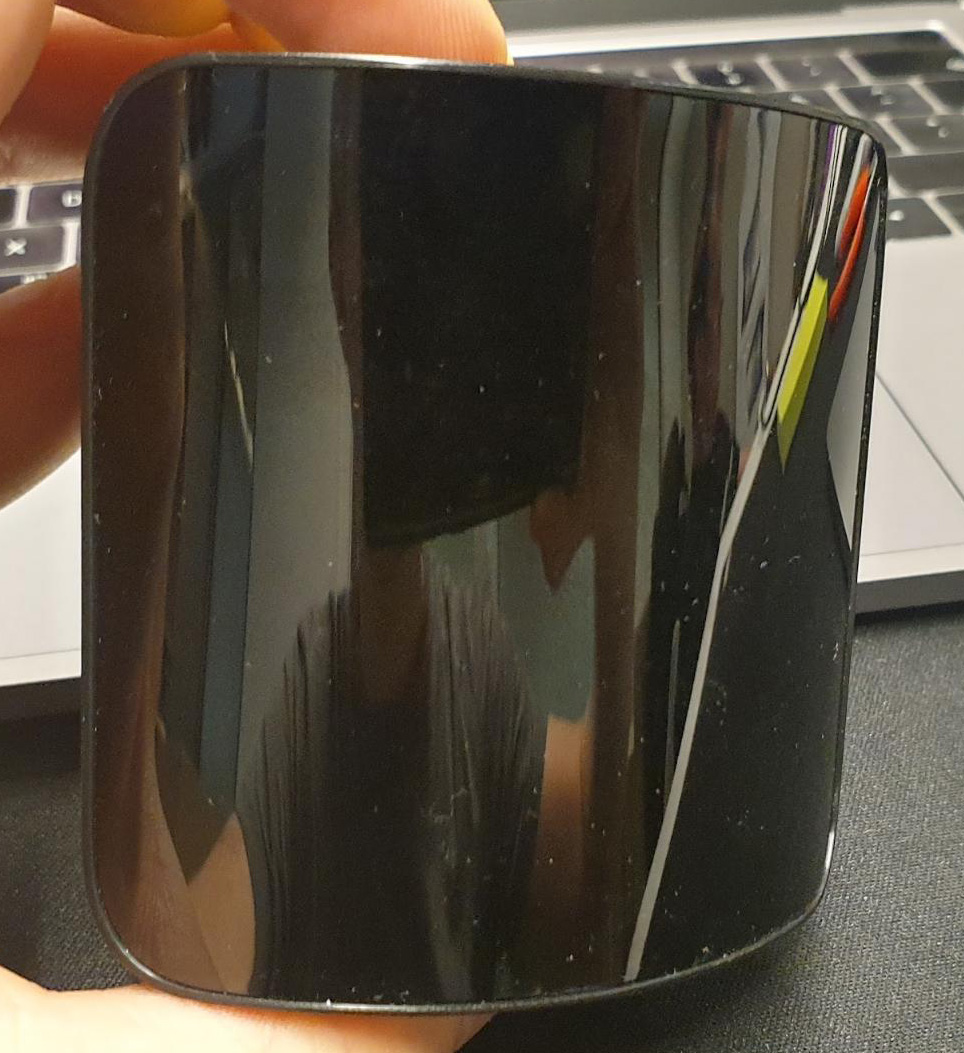
Vive versions are identified by having a sync 3.5 mm port in the back and glass going to the sides of the device.
Vive version of base station on the right, Valve version on the left
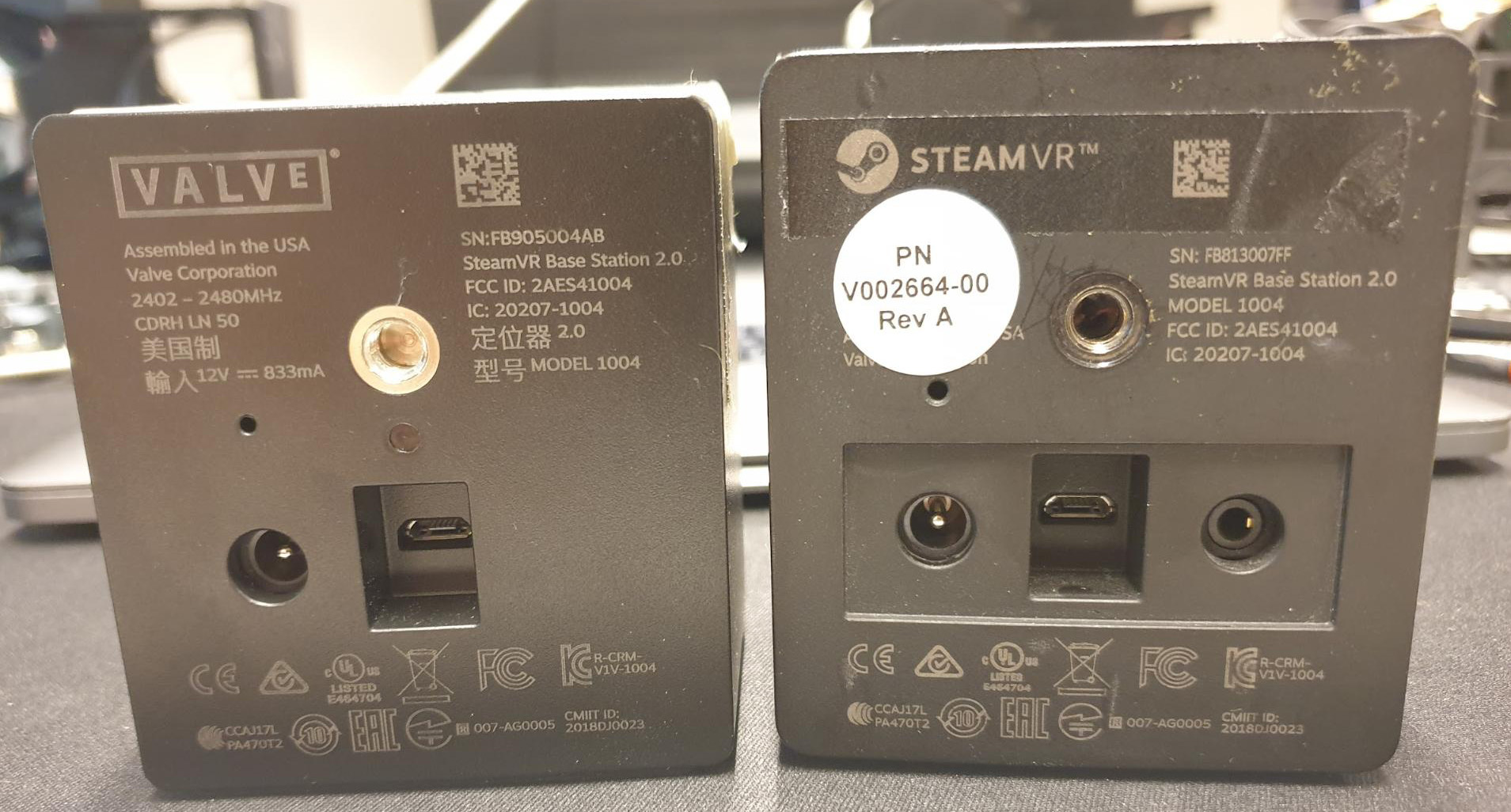
Vive versions are not being released anymore, as Valve is responsible for producing all the base stations themselves and then selling them to partners. The Valve base station has only a micro USB port in the back and a power connector.
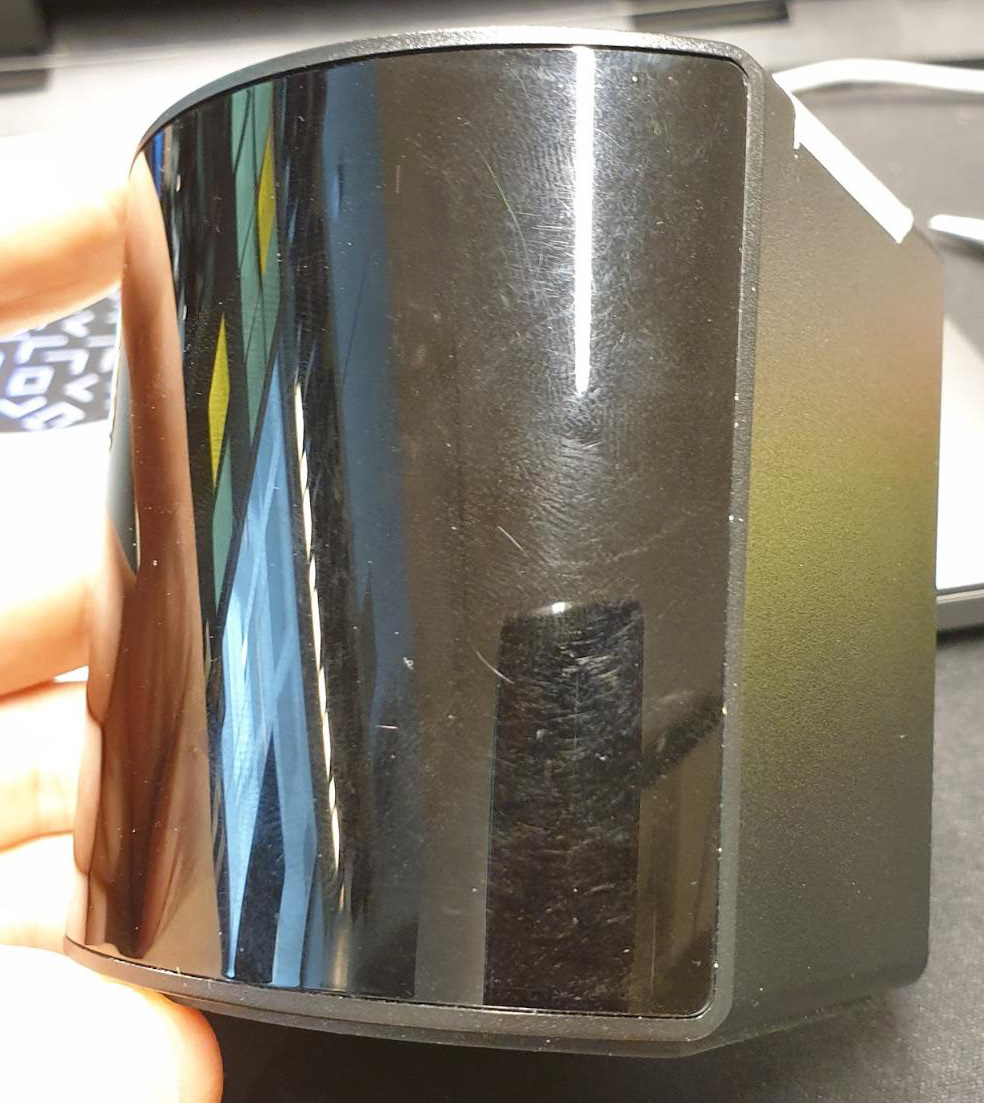
Valve made base station (current as of August 2021)
Disconnect your base station from the power.
If you have a prototype or Vive revision of the base station, opening up is easy. Just remove the bottom rubber layer (it is sticked by a double sided tape) and you will see the screws for opening it up.