An assembly is a group of members of an organization who meet periodically to make decisions about a specific area or scope of the organization.
Assemblies hold meetings, some are private and some are open. If they are open, it is possible to participate in them (for example: attending if the capacity allows it, adding points to the agenda, or commenting on the proposals and decisions taken by this organ).
Examples: A general assembly (which meets once a year to define the organisation’s main lines of action as well as its executive bodies by vote), an equality advisory council (which meets every two months to make proposals on how to improve gender relations in the organisation), an evaluation commission (which meets every month to monitor a process) or a guarantee body (which collects incidents, abuses or proposals to improve decision-making procedures) are all examples of assemblies.
The main difference between participatory processes and assemblies is that assemblies don’t have phases, meaning that they don’t have timelines.
You can see a real world usage of assemblies in Decidim Barcelona, where you can see the different Participation Organs, that are the regular spaces where the City Council meets with citizens and organizations to get feedback.
In this section, we’ll explain how we can configure an Assembly in Decidim.
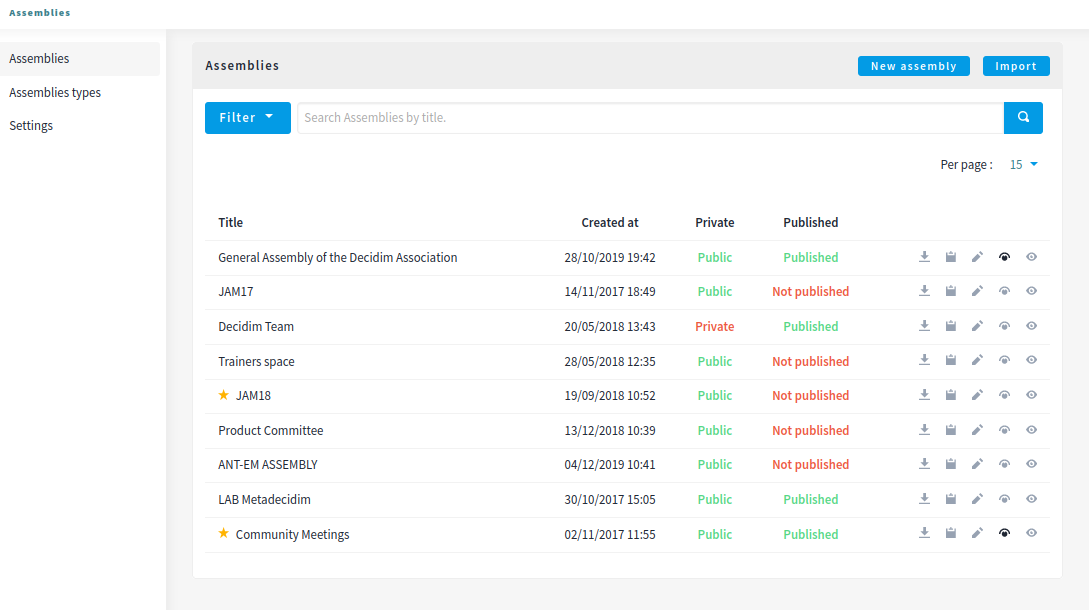
To configure assemblies on the Decidim platform, click on btn:[Assemblies] in the admin sidebar menu. A list will appear with the existing assemblies if there are any:
You can filter by the ones that are:
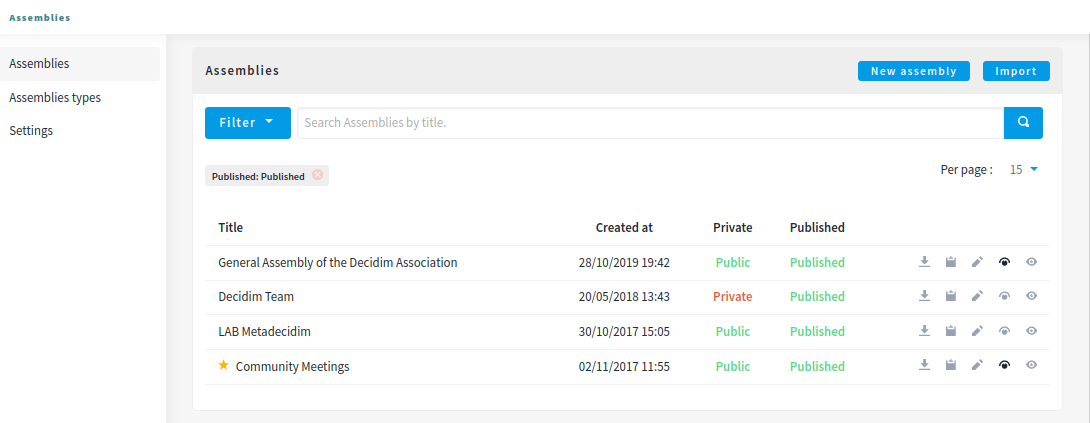
You can also search by title and control how many elements are in the list.
You have 4 possible actions in this list after an Assembly is created: