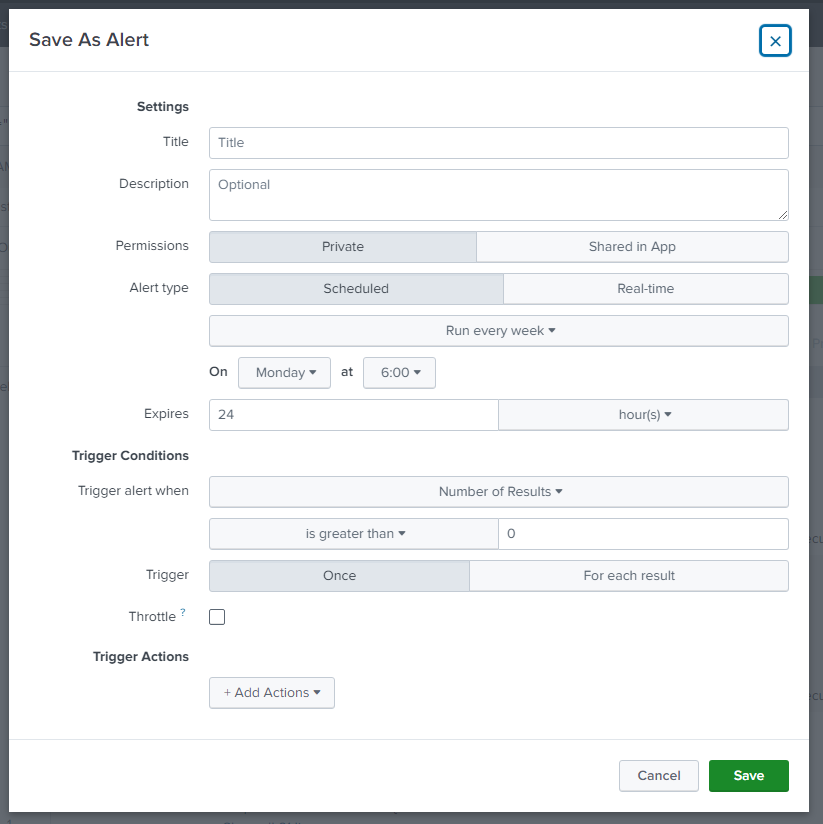
Alerts are saved searches that trigger when certain conditions are met. They can be scheduled or in real-time. In that case, be careful not to overload your Splunk server.
Use the same request as in the report section and save it as an alert.
As you see, you have more information to display than a simple report. You will need to select the type of alert (scheduled or in real-time), when it must be run (if you have more than 35 connections failed for example), and the action.