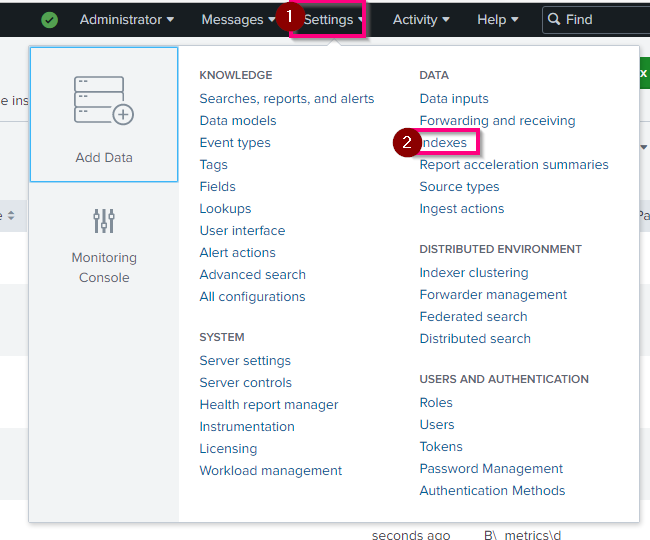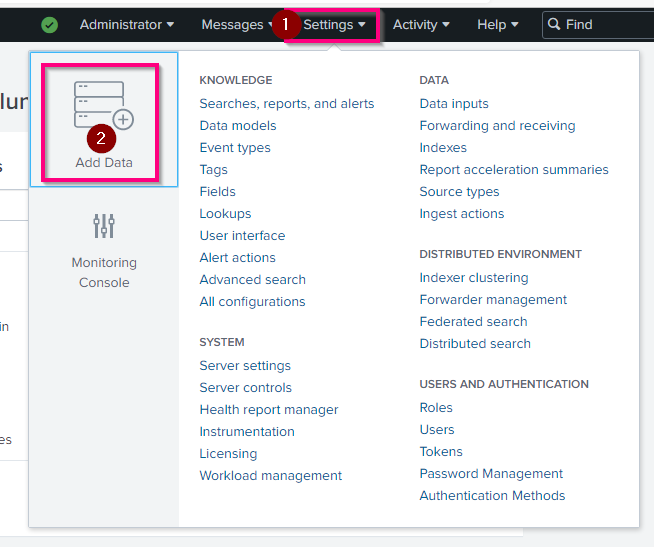
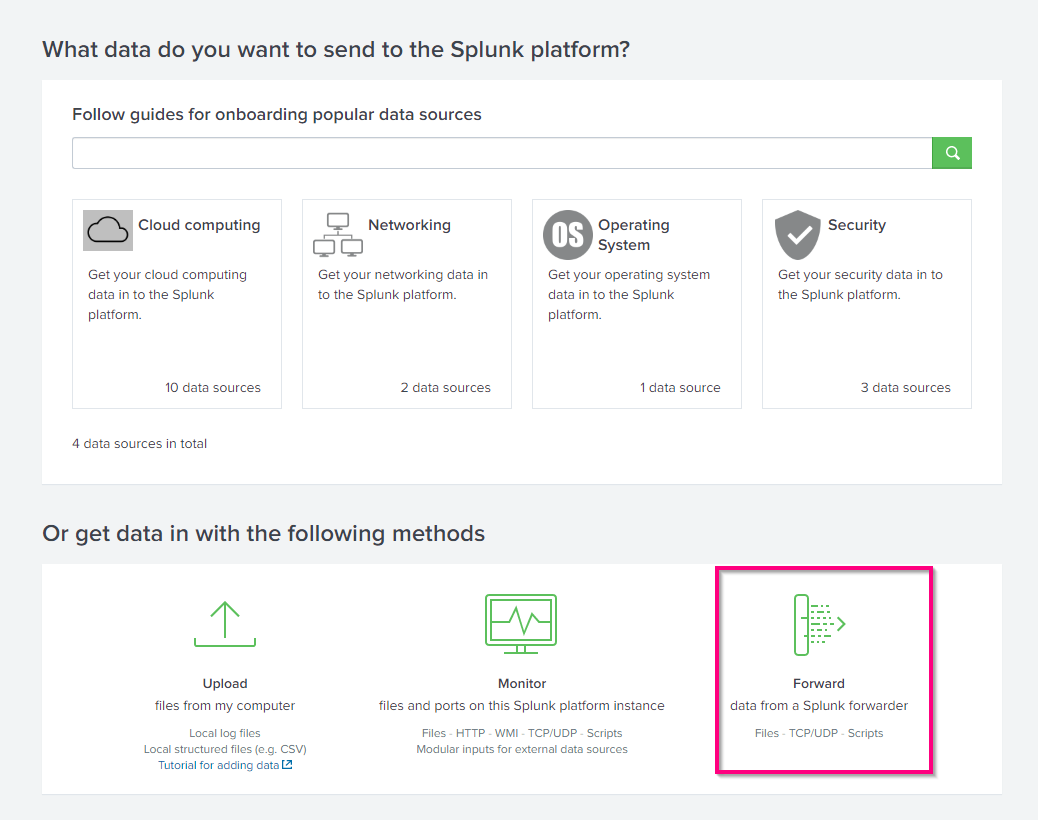
In Splunk, you can add data in different ways. Here we are going to see the forwarder installed on the Win10 computer and with the upload of a log file.
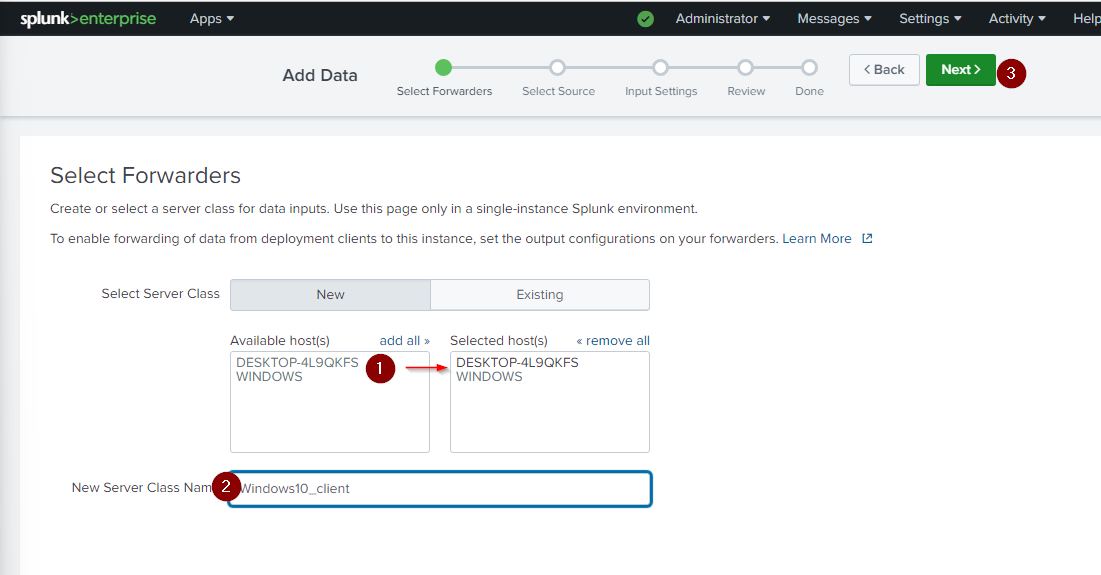
Add the computer to the selected host and give it a Server Class Name
Click "Next"
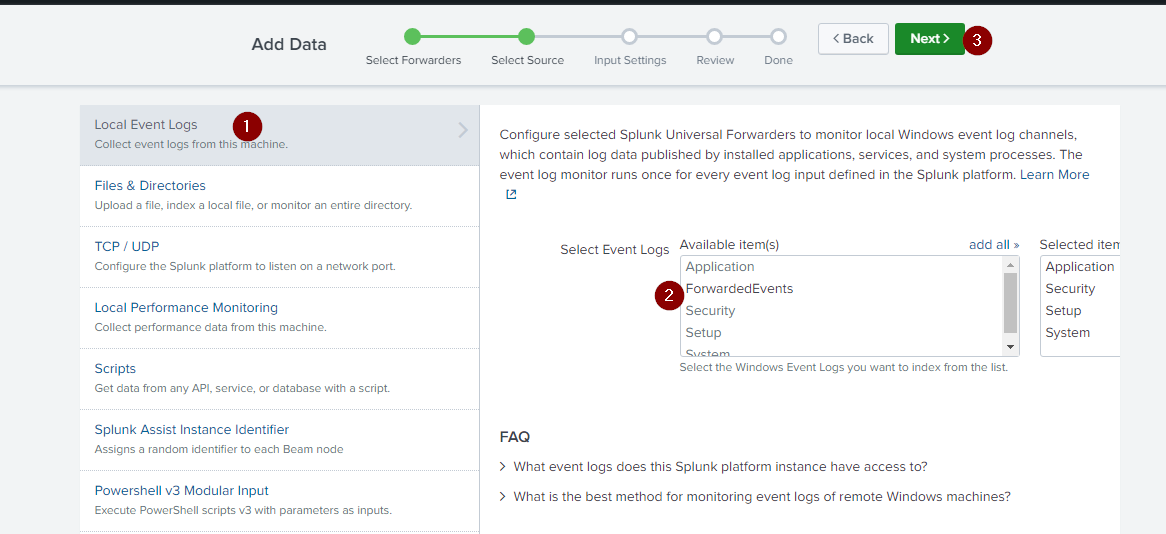
Select what you want to monitor, in this case, we want to collect the local event log from this computer.
Select which log you want
Click "Next"
Select the index where the logs need to be put.
I choose to create a new one named "WinLog_clients". For this, click on "create a new Index"
Click Review to check and then submit.
Now, you can click "start searching" to try to find your last connection on the client's computer.
Go to Settings > Indexes