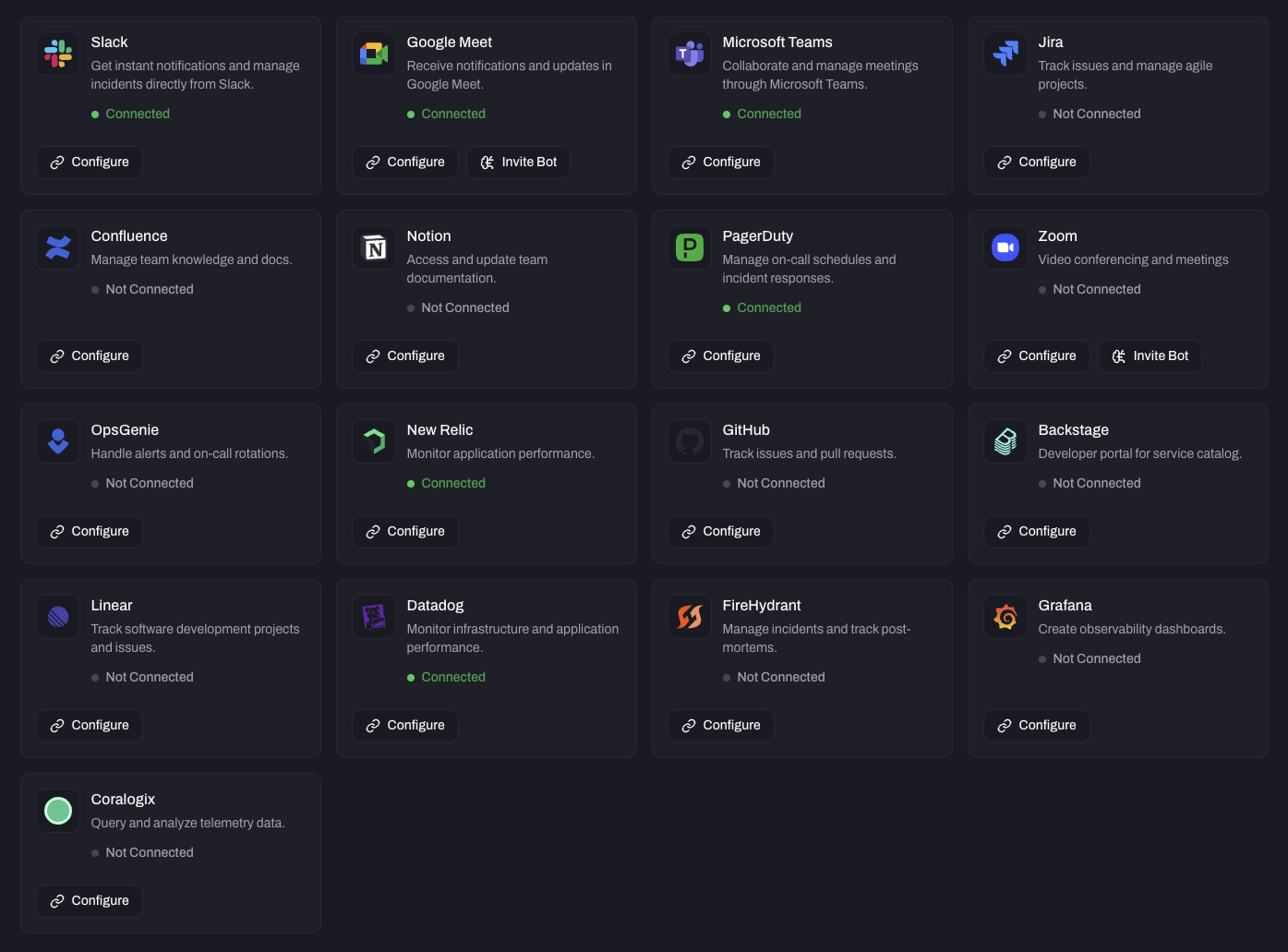
Vibe AI's ability to reason about incidents is only as powerful as the context available to it. By connecting your existing tools to Vibe AI, you give Vibe AI a richer, more complete picture of what is happening — enabling it to surface relevant information, answer deeper questions, and generate more accurate summaries and postmortems.
Vibe AI pulls context from connected tools automatically when responding to questions about an incident. It does not query every integration for every question — it selects relevant sources based on what is being asked and what context is available.
Integration setup is self-serve and can be configured by your team directly from Configuration → Integrations in the Vibe AI dashboard. For enterprise customers, the Vibranium Labs team can handle integration setup on your behalf using service accounts you provision — this is the recommended path for ensuring optimal performance and allowing the Vibranium Labs team to monitor integration health and address gaps proactively.
The breadth and quality of your integrations directly determines what Vibe AI can do. Integrations that are not connected are invisible to Vibe AI. See AI-Powered Incident Insights — A Note on Response Quality for more on how context quality shapes Vibe AI's responses.
Slack · Google Meet · Zoom
What Vibe AI gets: Slack provides the raw conversational record of an incident — every message and reply from every associated thread across any number of channels. Google Meet and Zoom provide meeting transcripts from war room calls that Vibe AI joins during an active incident.
Together these form the primary narrative layer of an incident — the human discussion that surrounds and explains the technical signals.
Example questions unlocked: